Serverless Web Hosting from Scratch
You don't need a server, a sysadmin, or a credit card to put a website online. Here's why a plain folder of files can quietly handle a flood of visitors - for free.
TL;DR
Most websites, such as portfolios, docs, landing pages and blogs, don't need a server. A folder of static files on a CDN-backed host can serve huge traffic for free, with no server to patch. When you need dynamic features, add serverless functions or third-party services one piece at a time.
On this page
There’s a stubborn myth that real websites are expensive and complicated. You need a server, the story goes. Someone to patch it. A database. A monthly bill that grows with your traffic. For a certain kind of site that’s still true. For a huge share of what people actually build - portfolios, documentation, landing pages, blogs, small business sites - it hasn’t been true for years.
You can put a website online today, for zero dollars, that would barely flinch if a million people showed up at once. The trick isn’t a clever hack. It’s choosing the simplest possible architecture and letting modern infrastructure do the heavy lifting.
The whole idea in one sentence
Instead of building each page on demand, you build the pages once, ahead of time, and then just hand out the finished files.
That’s it. That’s a “static” site. When a visitor arrives, there’s no code to run, no database to query, no template to assemble. The server’s entire job is to find the requested file and send it. It’s the difference between a restaurant cooking every order from scratch and a vending machine dispensing what’s already on the shelf. One of those scales effortlessly to a crowd.
Why “no server to manage” matters more than it sounds
The word for this is “serverless,” which is a little misleading - there are absolutely servers involved. The point is that none of them are yours. You don’t rent a machine, install software on it, keep the operating system patched, or wake up when it falls over at 3 a.m.
Instead, you hand your files to a hosting platform. It copies them across a content delivery network - a fleet of servers spread around the world - so that a visitor in Tokyo and a visitor in Toronto both get your page from somewhere nearby. That geographic spread is most of why static sites feel instant, and it’s also why they scale. Serving a file is cheap and easy to duplicate. There’s no shared database to become a bottleneck, no application server to overwhelm. Traffic spikes that would topple a hand-rolled server are routine for a CDN.
Where the $0 actually comes from
Free hosting sounds like a trap, the kind of thing that’s free until you need it to work. But the economics here are real. Serving static files costs the platforms so little that giving it away attracts users who might later pay for extras. So the free tiers are genuinely generous.
Several well-known platforms offer this: GitHub Pages, Netlify, and Cloudflare Pages, among others. All of them will host a static site for free, serve it over a global network, give you encrypted HTTPS automatically, and let you attach your own domain name. You are not getting a crippled demo. You’re getting production-grade hosting.
The part that feels like magic
Here’s the workflow that converts skeptics. You keep your site’s files in a Git repository. You connect that repository to one of these hosts once. From then on, every time you save a change and push it, your live site updates by itself - usually within a minute or two.
No uploading files over FTP. No logging into a control panel. No “maintenance window.” You edit a headline, type git push, and the new version rolls out across the world. If you make a mistake, you push a fix or undo the commit, and the site rolls back just as smoothly. Publishing stops being a nerve-wracking event and becomes a non-event.
“But my site needs to do things”
This is the fair objection. Static means the pages are pre-built - so how do you handle a contact form, a search box, or user accounts?
The answer is that “dynamic” doesn’t have to mean “server you manage.” You add interactivity two ways. First, JavaScript running in the visitor’s browser handles menus, animations, and anything that lives on the page. Second, for the genuinely dynamic bits, you call external services through their APIs - a form-handling service, a search service, a payments service. Each of those is somebody else’s serverless problem, not yours. This pre-built-markup-plus-APIs approach even has a name people rally around: the JAMstack.
The honest boundary: if your site’s core is a constantly changing database with complex server logic - a large social network, say - a purely static approach gets strained. But the number of sites that truly need that, versus the number that merely assume they do, is wildly out of balance.
Start small, today
You don’t have to commit to a stack or read a manual cover to cover. Write a single index.html file that says hello. Put it in a Git repository. Push it to GitHub and flip on Pages, or drop the folder into Netlify. In a few minutes you’ll have a live URL, secured with HTTPS, that costs nothing and won’t buckle under attention.
The $0 website that scales to millions isn’t a marketing line. It’s just what happens when you stop building pages on demand and start handing out files. The simplest architecture turns out to be the sturdiest one - and the cheapest.
Key takeaways 5
- Many websites are just files and need no server.
- Static hosting removes patching, scaling and downtime worries.
- Free tiers come from cheap CDN delivery of static files.
- CDNs serve visitors from nearby locations, absorbing traffic spikes.
- Add dynamic features with serverless functions and services.
Watch & learn

Frequently asked questions
Can I host a website for free?
Yes. Static hosts such as GitHub Pages, Cloudflare Pages, Netlify and Vercel offer free tiers that serve static sites over HTTPS with a CDN.
What is static hosting?
Static hosting serves pre-built HTML, CSS, JavaScript and images directly from storage and CDNs, without running server code for each request.
How do I add forms or dynamic features to a static site?
Use serverless functions, form services, headless CMS platforms or third-party APIs for dynamic parts while keeping the rest of the site static.
Go deeper with the free masterclass
Workshop, PDF handbook and curated resources for “Serverless Web Hosting from Scratch”.
Related articles
How the Web Works (DNS, HTTP, HTTPS)
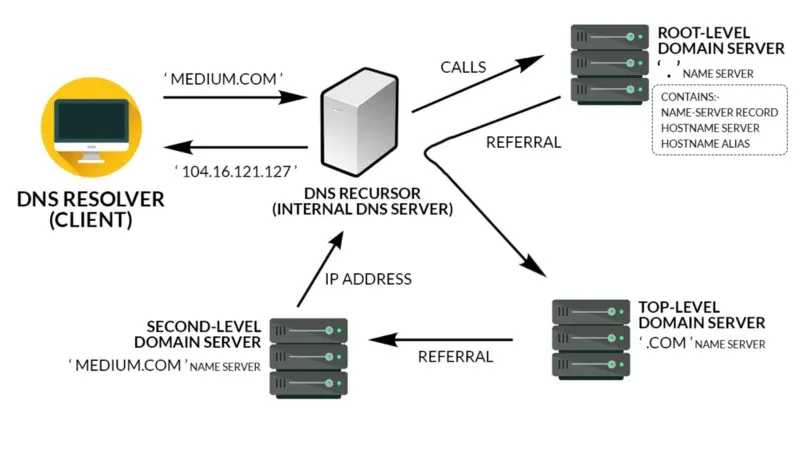
Type an address, hit Enter, see a page. Here is the quiet relay of systems that makes that one second possible, and why knowing it turns web mysteries into simple diagnoses.

Registering Domains & Managing DNS
Buying a domain is the easy part. The real skill is knowing which DNS record to add, where to add it, and why your change has not shown up yet.
Edge Hosting & Modern Deployment
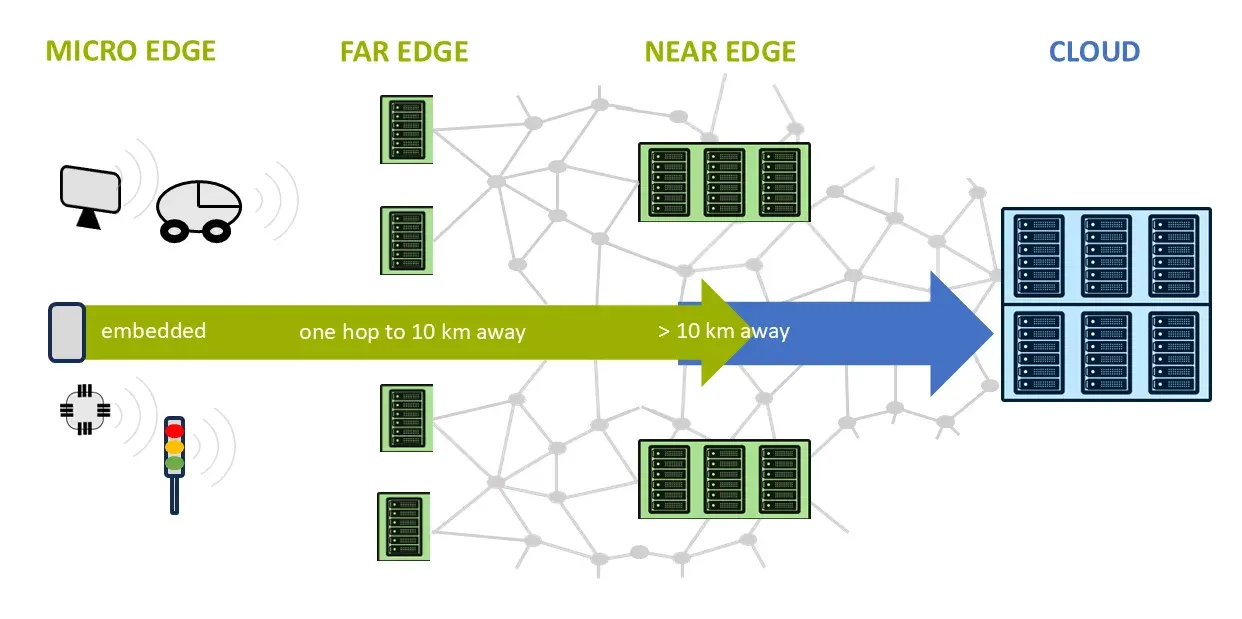
The server you used to babysit has dissolved into a global network -- and shipping software has never been calmer. Here is what changed, and how to think about it.
Comments
No comments yet. Start the conversation.