Registering Domains & Managing DNS
Buying a domain is the easy part. The real skill is knowing which DNS record to add, where to add it, and why your change has not shown up yet.

TL;DR
Buying a domain takes minutes; the real skill is DNS. A domain is a lease from a registrar, nameservers decide who answers for it, and a few record types cover most needs: A and AAAA for addresses, CNAME for aliases, MX for email and TXT for verification. TTL explains why changes take time to show.
Almost everyone who builds a first website hits the same wall. The domain purchase took five minutes and a credit card. Then a hosting provider says “just point your domain at us,” and suddenly you are staring at a screen full of acronyms, A, AAAA, CNAME, MX, TXT, NS, with no idea which one to touch. The good news is that DNS is far smaller and more logical than it looks. A handful of record types and two or three rules cover nearly everything a beginner needs.
Start with what a domain actually is. It is not a thing you own outright; it is a lease. You pay a registrar for the right to use a name for a year or several, and you renew it. The most common way people lose a domain is not hacking but a missed renewal notice sent to an email address they stopped checking. So before any technical step, do the boring things: turn on auto-renew, keep a valid card on file, confirm your contact email, and enable the usually-free privacy protection that keeps your home address out of the public WHOIS directory.
The next idea unlocks most troubleshooting: the difference between where your DNS is managed and what records you put there. When you buy a domain, the registrar usually manages DNS for you by default. You can leave it there, or you can delegate to a dedicated provider by changing your domain’s nameservers to the two hostnames that provider gives you. Whoever runs your nameservers is authoritative, meaning their copy of your records is the one the world trusts. This matters because the single most common reason a change “does not work” is that someone delegated DNS to a new provider and then kept editing records back at the registrar, where nobody is listening anymore.
Now the records themselves. An A record maps a name to an IPv4 address, the familiar four-number form. Its sibling AAAA does the same for the longer IPv6 format. These are what you use when your host hands you an IP address. A CNAME is different: it points one name at another name, which is what you want when a host gives you something like yoursite.examplehost.app instead of a number. There is one rule that trips up everyone: a CNAME cannot live on the bare root domain. Put it on a subdomain such as www, and point the root with A records or your provider’s flattening feature instead.
For email, two records do the heavy lifting. An MX record tells other mail servers where to deliver messages for your domain, and each one carries a priority number where lower wins. A TXT record holding an SPF policy lists which servers are allowed to send mail claiming to be you, which is how the rest of the internet fights spoofing in your name. The two beginner pitfalls here are mixing MX records from two different mail providers, which scatters your incoming mail, and creating more than one SPF record, which is not allowed. If you use several senders, you combine them into a single SPF line. TXT records also do double duty as ownership proofs: a service gives you a unique string, you publish it, and you can have as many of those as you like.
That leaves the part that causes the most needless panic: waiting. People talk about DNS “propagating,” as if changes are pushed out across the world. They are not. Every record carries a TTL, a number of seconds that tells caches how long they may hold an answer. When you edit a record, old cached copies simply expire on their own schedule and the next lookup picks up the new value. The practical takeaway is that your worst-case wait is roughly the old record’s TTL, not some mysterious global sync. If you know a change is coming, lower the TTL a day in advance, make the edit, confirm it, then raise the TTL back up. Nameserver changes are the slow exception and can genuinely take a day or two.
You never have to guess whether a change has landed, because two free tools tell you the truth. On macOS or Linux, dig is the standard: “dig example.com A +short” returns the current address, and adding “@1.1.1.1” asks a public resolver directly so you skip your own computer’s cache. On Windows, nslookup does the same job, as in “nslookup -type=mx example.com”. The most useful trick is to query your authoritative nameserver directly; if the value is correct there but wrong on your laptop, you are simply looking at a stale cache and the fix is patience, not more editing.
Put together, a first go-live is a short, repeatable sequence. Register the name and lock down renewal and privacy. Decide where DNS lives and set nameservers accordingly. Add A or CNAME records for the exact target your host gave you, covering both the root and the www name, and choose one of them as canonical with a redirect to the other. Add the MX and single SPF record your mail provider specifies, plus any verification TXT. Then confirm each record with dig or nslookup against a public resolver before you announce anything. Most modern hosts will issue a free HTTPS certificate automatically once they see your DNS pointing their way, so the padlock usually appears within minutes of the records resolving.
None of this requires a networking background. It requires knowing that a domain is a lease, that records live in one authoritative place, that each record type has one clear job, and that waiting is just caches expiring. Learn those four things and the wall of acronyms turns into a checklist you can run every time.
Key takeaways 5
- A domain is leased from a registrar, not owned forever.
- Nameservers decide which DNS provider answers for your domain.
- A/AAAA point to IP addresses; CNAME points to another name.
- MX records route email; TXT records verify ownership and SPF.
- Changes appear gradually because of caching (TTL).
Watch & learn

Frequently asked questions
What is the difference between a registrar and a DNS host?
The registrar is where you register and renew the domain. The DNS host runs the nameservers that answer DNS queries. They can be the same company or different ones.
What is the difference between an A record and a CNAME?
An A record maps a name directly to an IPv4 address. A CNAME makes a name an alias of another domain name, which is then resolved to an address.
Why haven't my DNS changes appeared yet?
Resolvers cache records for the TTL (time to live) set on them. Until cached copies expire, some users may still see the old value.
Go deeper with the free masterclass
Workshop, PDF handbook and curated resources for “Registering Domains & Managing DNS”.
Related articles
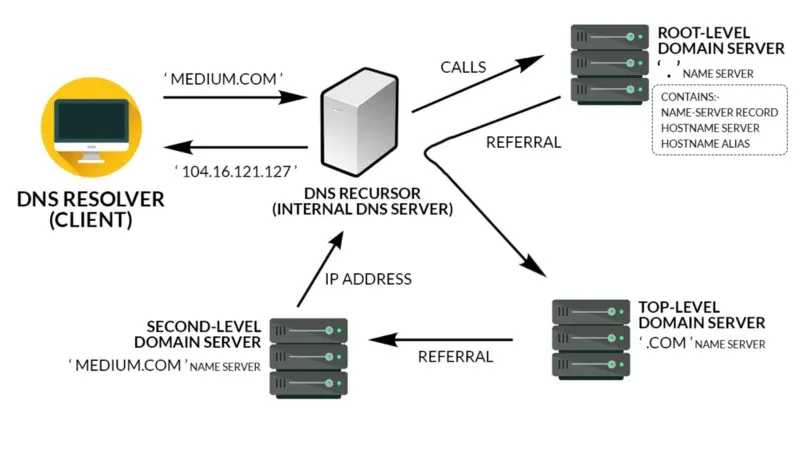
How the Web Works (DNS, HTTP, HTTPS)
Type an address, hit Enter, see a page. Here is the quiet relay of systems that makes that one second possible, and why knowing it turns web mysteries into simple diagnoses.
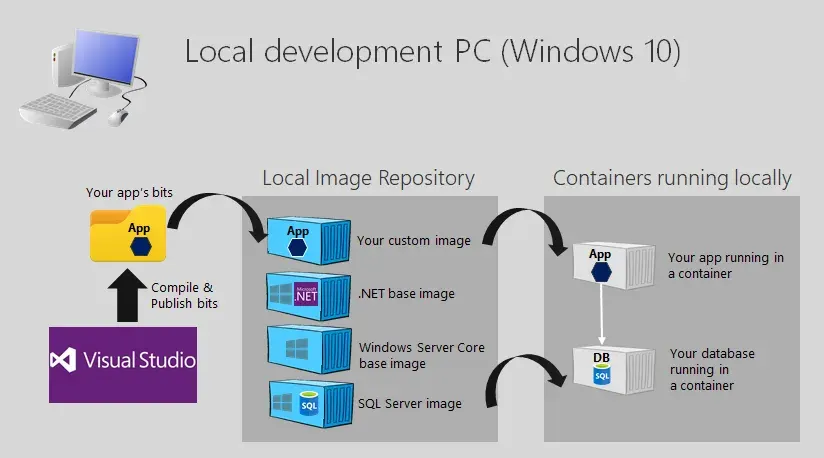
Containerized Web Apps with Docker
Containers did not just make web apps easier to build. They quietly rewrote what it means to host one.
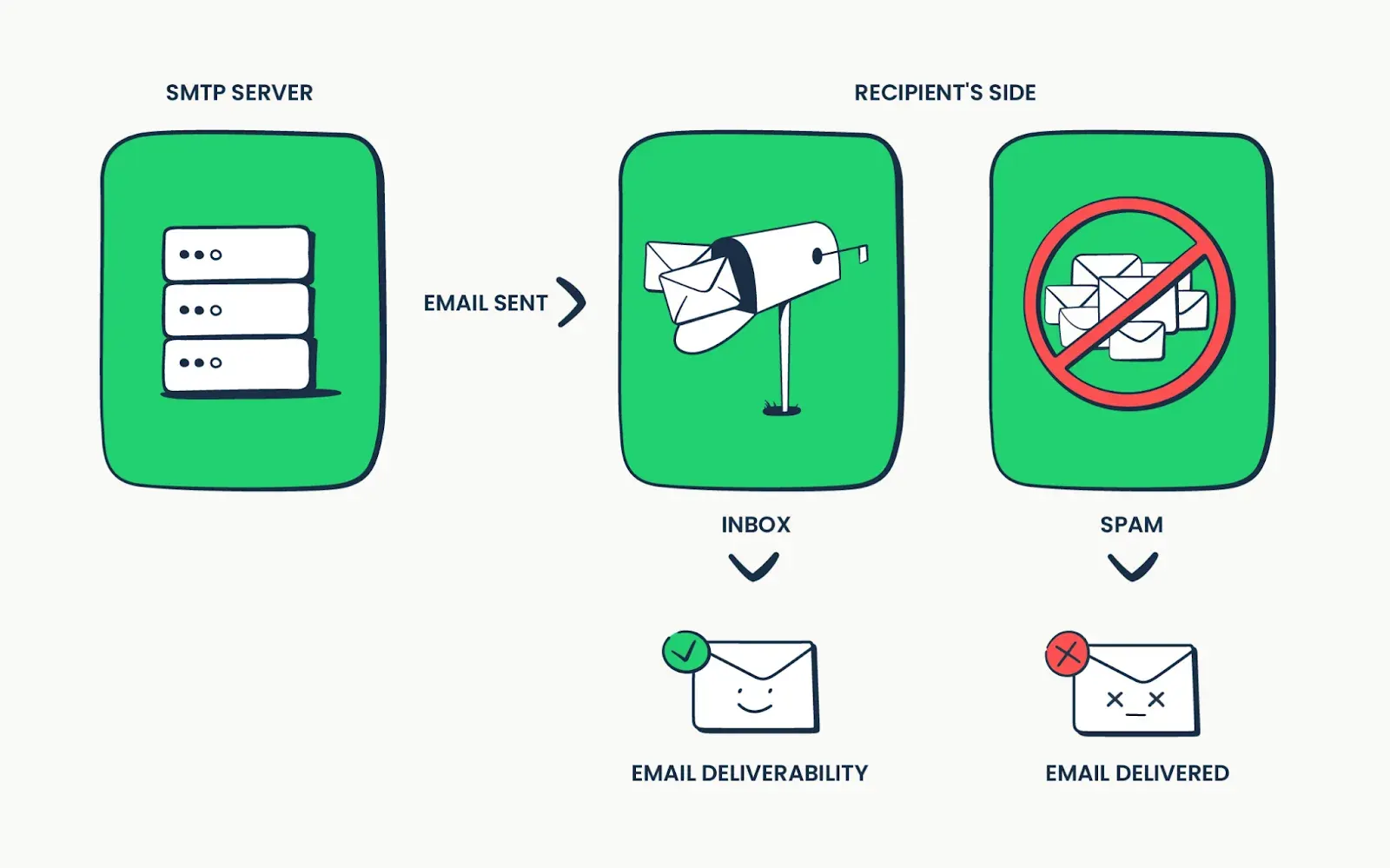
Email Hosting & Deliverability
Email feels free and effortless, but landing in the inbox is now an engineering discipline with three DNS records, a reputation score, and a deadline that already passed.
Comments
No comments yet. Start the conversation.