Password Security & MFA
Most account break-ins do not require clever hacking - they exploit ordinary habits. Here is how to fix yours in an afternoon.
TL;DR
Most account break-ins exploit ordinary habits like password reuse, not clever hacking. Long, unique passwords stored in a password manager and multi-factor authentication shut down almost all common attacks. Start with your email and banking accounts and fix the rest in an afternoon.
On this page
Think about how many online accounts you have. Email, banking, shopping, work logins, a handful of social apps, a dozen services you signed up for once and forgot. Now ask an uncomfortable question: how many of them share the same password? For most people, the honest answer is “more than a few” - and that single habit is the reason account break-ins are so common.
The reassuring news is that the attacks that actually succeed are rarely sophisticated. They do not look like the movies. They look like patient automation exploiting predictable human behavior, and a few straightforward changes can shut almost all of them down.
The way accounts really get taken
Start with password reuse, the most damaging habit of all. When you use one password across many sites, you are only as safe as the least careful service you ever joined. The day a forgotten forum loses its user database, attackers hold a working email-and-password pair - and they will try it automatically against your bank, your email, and your shopping accounts. This is called credential stuffing, and because reuse is so widespread, even a tiny success rate pays off handsomely.
Data breaches feed this machine constantly. Companies large and small lose user databases, and those lists circulate freely among attackers. The realistic assumption is that at least one password you have used in the past has already leaked. You can check: a free service called Have I Been Pwned will tell you whether your email address appears in known breaches. Seeing your own address there is not a disaster - it is a useful nudge to retire any password tied to that account.
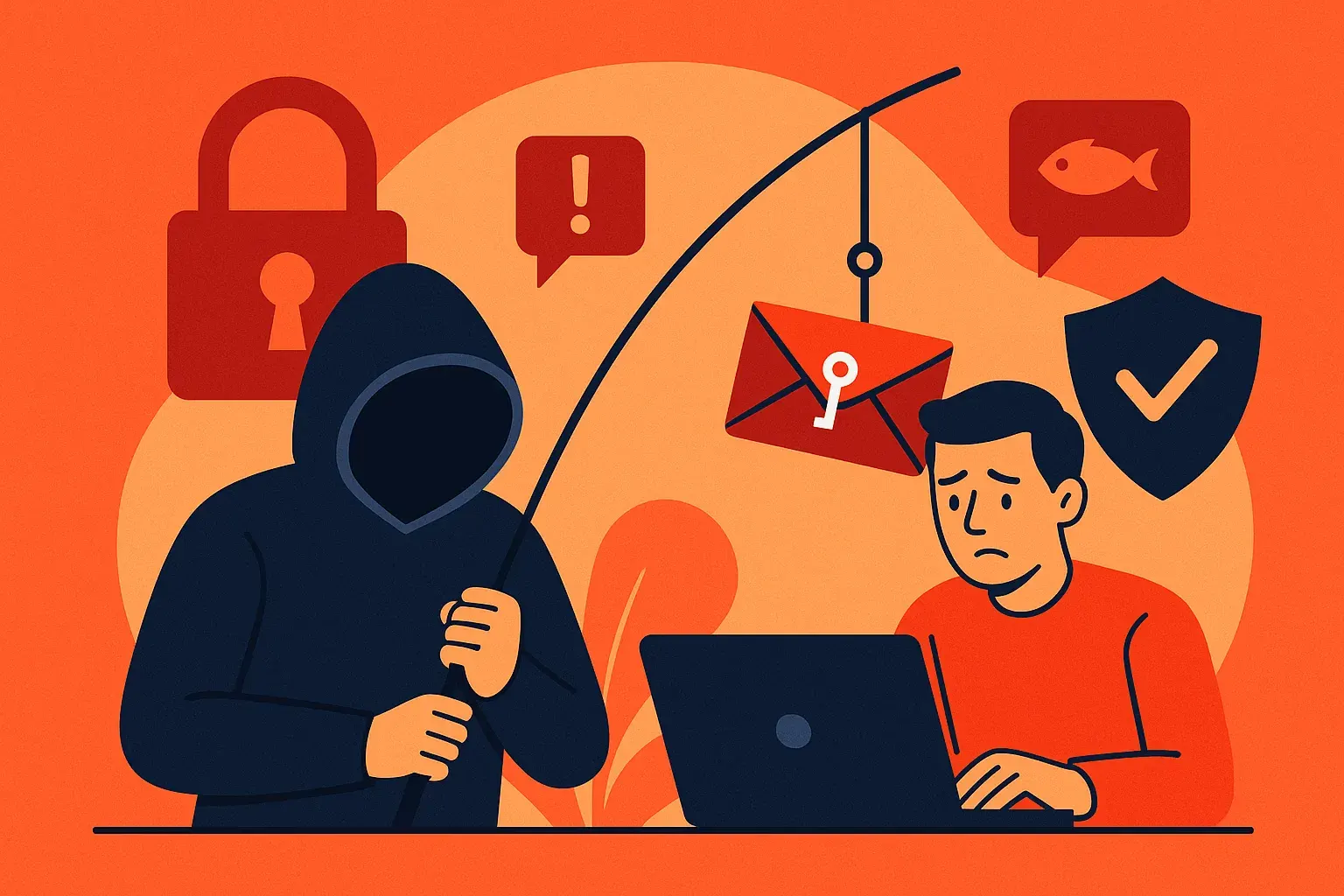
Then there is phishing, which sidesteps strength entirely. A fake email or a convincing look-alike website asks you to “log in” or “verify your account,” and quietly pockets whatever you type. Notice that the length or complexity of your password makes no difference here. The problem is not the password - it is that you entered it on the wrong page.
Finally, plenty of accounts fall simply because the password was guessable. Common choices and tired tricks - tacking on a “1”, swapping an “a” for an “@” - are already baked into attackers’ guessing tools. Predictability, not just brevity, is what gets a password cracked in seconds.
What strong actually means
The old advice - one capital, one number, one symbol - turns out to be misleading. The quality that matters most is length. Every extra character multiplies the effort an attacker must spend, so a long password built from ordinary words beats a short one bristling with symbols. That is why modern guidance has dropped forced-complexity rules and the ritual of changing passwords every few months; both pushed people toward predictable patterns without making them safer.
The friendly way to get length is a passphrase: several randomly chosen words strung together. It is long enough to resist guessing yet possible for a human to remember. The one rule is that the words must be genuinely random - a favorite lyric or quotation is weak, because common phrases are exactly what cracking tools try first.
But here is the wall everyone hits. Every account needs its own strong password, because reuse is what makes a single breach catastrophic. And no one can memorize dozens of long, random, unique passwords. That is not a personal failing; it is simply impossible, and pretending otherwise drives people straight back to reuse.
Let a tool carry the load
The way out is a password manager - an encrypted vault that generates, stores, and fills in your passwords. You memorize exactly one strong master password, and the manager remembers everything else. Suddenly the impossible task becomes trivial: every account can have a long, random, unique password, and you never type or recall any of them.
Reputable managers are built so that your data is encrypted on your own device before it is stored, meaning even the company running the service cannot read your passwords. That design puts the weight on your master password, so make it a long, unique passphrase and protect the manager itself with a second login factor. As a bonus, a manager fights phishing for you: because it ties each saved password to a specific web address, it will refuse to autofill on a look-alike fake site - and that refusal is your warning.
Add a second lock
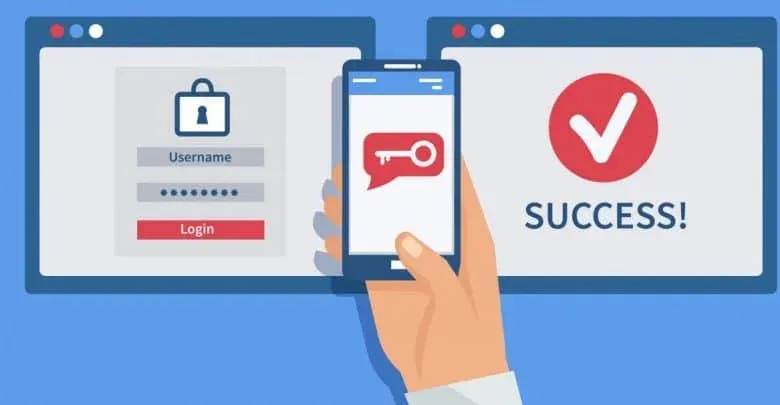
A password is just one factor: something you know, which can be stolen or phished. Multi-factor authentication (MFA) adds a second, different kind of proof, so a stolen password on its own gets nobody in.
The options run from strongest to weakest. Hardware security keys - small physical devices built on the emerging FIDO2 and WebAuthn standards - are the most resistant to phishing, because they verify the real site before responding; they are an excellent, if still emerging, choice for your most valuable accounts. Authenticator apps that produce a rotating six-digit code (TOTP) are strong and widely supported. Push-notification approvals are convenient, but never approve a prompt you did not just trigger yourself. Codes sent by text message are the weakest, vulnerable to phone-number hijacking - yet still far better than no second factor at all.
When you switch MFA on, a service gives you one-time backup codes. Save them - in your password manager or printed somewhere safe - because forgetting to is a classic way to get permanently locked out of your own account.
Start where it counts
You do not have to fix everything today. Set up a password manager, then harden your most important accounts first: your primary email (which can reset most of the others), your banking, and the manager itself. Give each a unique generated password, turn on the strongest MFA offered, and stash the recovery codes. Over the next couple of weeks, replace the rest as you log in to them naturally.
None of this is wizardry. It is a handful of habits, set up once and revisited a few times a year. Done steadily, they move you out of the easy-target pile - which, for an attacker working at scale, usually means they move on to someone else.
Key takeaways 5
- Password reuse is the main reason accounts get taken over.
- Length beats complexity: long passphrases are strong.
- A password manager makes unique passwords effortless.
- Multi-factor authentication blocks most account takeovers.
- Secure your email first; it can reset everything else.
Watch & learn

Frequently asked questions
What makes a strong password?
Length and uniqueness: a long passphrase or a randomly generated password that is not reused anywhere else.
Are password managers safe?
Reputable password managers encrypt your vault with a master password, and using one is far safer than reusing or writing down passwords. Protect it with a strong master password and MFA.
Which type of MFA is most secure?
Phishing-resistant methods such as passkeys and hardware security keys are strongest, followed by authenticator apps; SMS codes are better than nothing but weakest.
Go deeper with the free masterclass
Workshop, PDF handbook and curated resources for “Password Security & MFA”.
Related articles
Phishing & Social Engineering Defense
The most dangerous hack of all does not target your computer. It targets you, and the defense is simpler than you think.
Cybersecurity Fundamentals: CIA Triad & Threats
You do not need to be a hacker to stay safe online, you just need to understand three ideas and a handful of habits.
Security Awareness Training That Works
Why most security awareness programs fail to change anything - and how to build one that actually moves human behavior.
Comments
No comments yet. Start the conversation.