Object Storage & Data in the Cloud
A bucket is the cheapest thing in the cloud to create and one of the easiest to get wrong. Here is the story of one folder of holiday photos, and how it quietly teaches you everything that matters about storing data in the cloud.
TL;DR
A folder of photos uploaded to the cloud hides four decisions: object storage has no real folders, only keys in a bucket; durability and redundancy settings determine how safe data is; access policies decide who can see it; and storage classes, lifecycle rules and egress decide what forgetting costs.
On this page
Picture a single folder of holiday photos. You drag it into the cloud, get a link, and feel briefly competent. The folder sits there, costing almost nothing, asking nothing of you. This is the trap. Object storage is the friendliest-looking corner of the cloud and the one that produces both the worst data leaks and the most baffling bills. The reason is that the easy part - uploading - hides four decisions you did not know you were making.
Follow the photos and you will meet all four.
It is not a folder
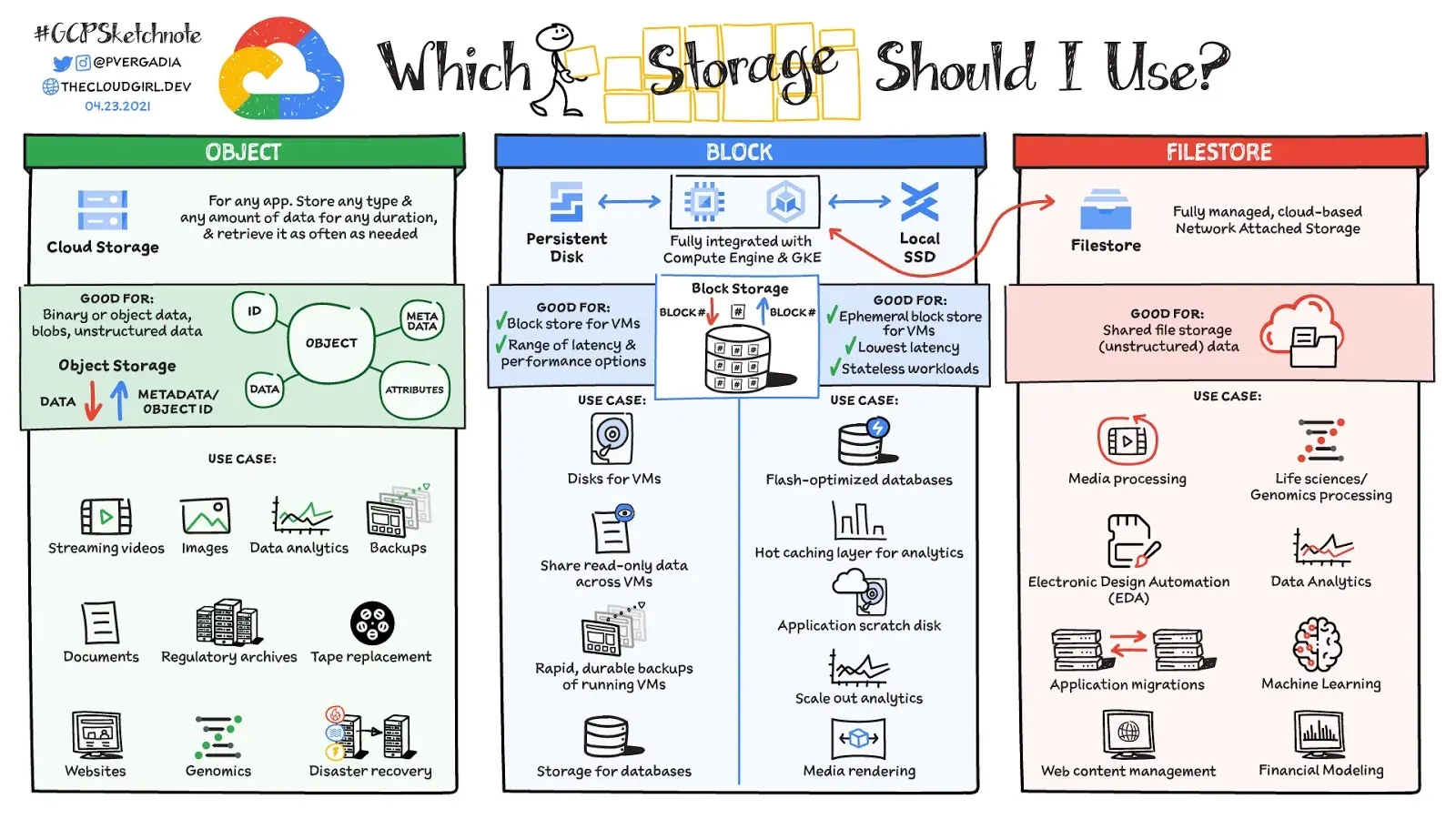
The first surprise is that you did not upload a folder at all. Object storage has no folders. What you created was a bucket - a flat container - and inside it each photo became an object addressed by a single string called a key. The key might read 2022/summer/beach/img-0421.jpg, and the slashes look like a directory tree, but they are pure decoration. The console renders a fake hierarchy over what is really one long list of names.
This sounds pedantic until it changes how you work. You cannot rename a “folder,” because there is no folder, only thousands of keys that happen to share a prefix. You cannot edit a photo in place, because objects are immutable - you replace the whole thing or you keep the old one. And because the structure is flat, the only way to stay organised across millions of objects is the metadata and tags each object carries. The lesson arrives early and never leaves: in object storage, your naming scheme and your tags are your filing system. Decide them before the pile gets big, because retrofitting order onto a flat namespace is a special kind of misery.
How safe, and how reachable
The second decision hides behind two words people use as if they mean the same thing: durable and available.
Your photos are almost certainly safe. Standard cloud storage advertises eleven nines of durability - 99.999999999 percent - by quietly keeping several copies across different machines. The chance the provider loses your beach photo to a dead disk is vanishingly small. But durability is not the same as availability, which is whether the service can hand you the photo right now. Availability is lower, and it is the number an SLA actually pays out on. The service can have a bad afternoon even while your bytes are perfectly intact.
The deeper trap is mistaking durability for protection. Eleven nines defends against hardware failure. It does nothing against you - the accidental delete, the script that overwrites the wrong key, the ransomware that encrypts everything it can reach. The provider will faithfully store your mistake across eleven nines of redundancy. The only real undo button is versioning, which keeps the old copy when you overwrite or delete. Turn it on before you need it, because the day you need it is the day it is too late to enable.
Who can see the beach
The third decision is the one that makes headlines. Somewhere along the way, “just get it working” tempts you to make the bucket public. Now anyone with the URL - and crawlers find URLs - can browse your summer.
Almost every famous cloud data leak is this exact story: a customer-misconfigured bucket, not a breached provider. The fix is a mindset, not a feature. Object storage is default-deny: nothing is accessible until you grant it, and an explicit deny always beats an allow. So you grant narrowly. The web app that shows thumbnails gets read access to the thumbnails prefix and nothing else. The originals stay private, served through temporary pre-signed URLs that expire, never by flipping the whole bucket open. You leave the account-wide public-access guard switched on, you require HTTPS, and you turn on logging so you can prove who looked at what.
Encryption rides alongside. At rest, your photos are encrypted on disk; the only real choice is who holds the key - the provider, for convenience, or your own key service, for sensitive data you may one day need to audit or revoke. In transit, you simply refuse anything that is not HTTPS. None of this is hard. It is just easy to skip, and skipping it is how a folder of holiday photos becomes a news story.
What it costs to forget
The fourth decision is the one that arrives by invoice. The photos are cheap to store - that is the seduction. But three years later you are still paying to keep beach shots nobody has opened since the trip, in the most expensive tier, with every overwrite quietly hoarding old versions you forgot existed.
The cure is to admit that data has a life. It is born hot, read constantly for a few weeks, then cools. Storage classes let you follow that curve: keep recent photos in the hot tier, let them slide to an infrequent-access tier after a month, drop them to cheap archive after a quarter - as long as you accept that pulling something out of archive takes time and money. A lifecycle rule does all of this automatically, and the same rule should prune old versions and clean up the half-finished uploads that are invisible in the console but real on the bill.
And watch the cost nobody mentions: egress. Storing a terabyte is cheap; serving it out to the internet again and again is not. Put a CDN in front of anything popular and keep your compute in the same region as your data.
The whole lesson, in one folder
That single folder of holiday photos taught you the entire discipline. It is not a folder but a flat set of keyed, immutable objects. It is durable but not invulnerable, so you version it. It is private by default and should stay that way, granted narrowly and encrypted. And it has a life, so you let it cool, expire, and stay close to its readers. Master those four moves and you can store anything in the cloud - confidently, safely, and without the bill that arrives like weather.
Key takeaways 5
- Object storage has buckets and keys, not real folders.
- Choose durability and redundancy deliberately.
- Public access settings cause many data leaks.
- Storage classes and lifecycle rules control long-term cost.
- Egress and request fees can surprise you.
Watch & learn
Frequently asked questions
What is object storage?
Object storage stores data as objects (the file plus metadata and a unique key) in flat containers called buckets, accessed over HTTP APIs, as in Amazon S3, Azure Blob Storage and Google Cloud Storage.
Why do cloud storage buckets leak data?
Usually because of misconfigured permissions, such as buckets or objects set to public or shared links that never expire, rather than flaws in the storage service.
How do I reduce cloud storage costs?
Use cheaper storage classes for rarely accessed data, set lifecycle rules to move or delete old objects, remove unused data and watch data transfer (egress) charges.
Go deeper with the free masterclass
Workshop, PDF handbook and curated resources for “Object Storage & Data in the Cloud”.
Related articles
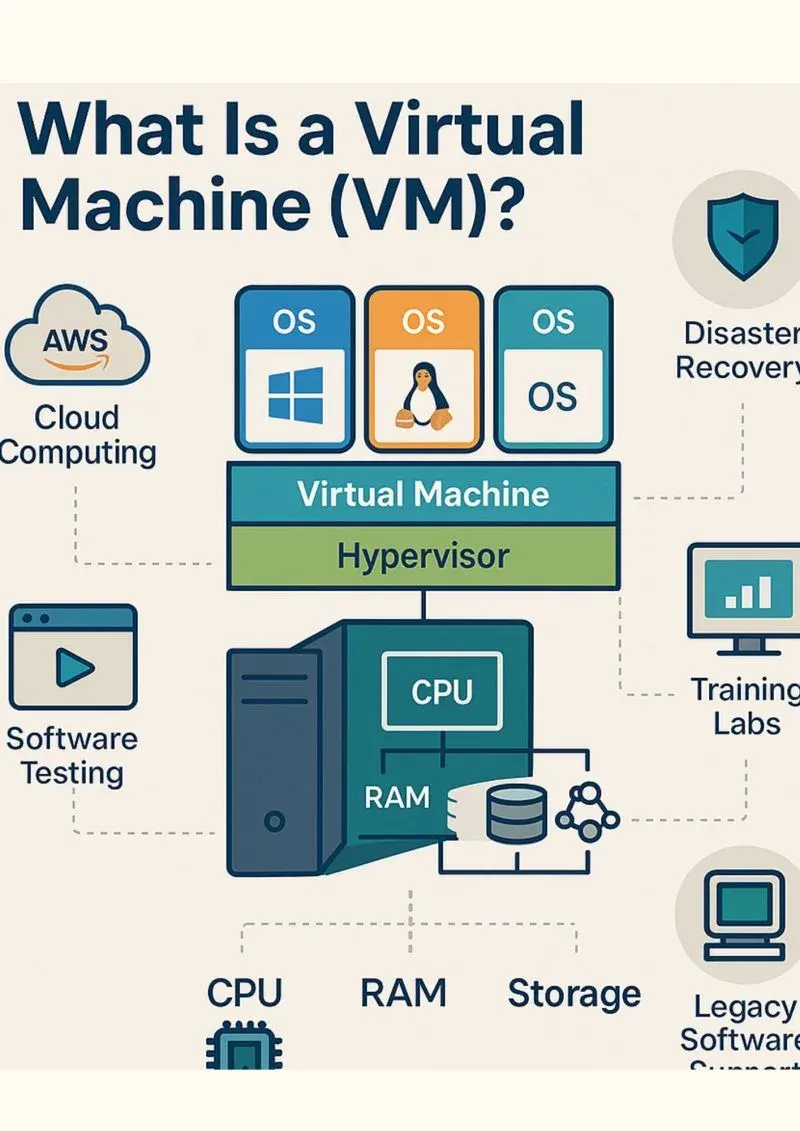
Virtual Machines & Cloud Networking
Before you ever touch a cloud console, picture a hotel. Once that image is in your head, virtual machines and cloud networking stop being intimidating and start being obvious.
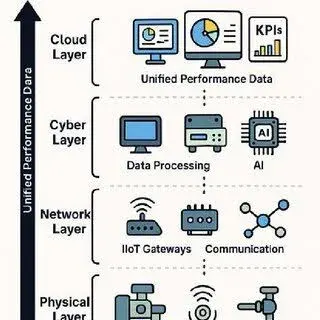
IIoT: Sensor-to-Cloud Data Pipelines
Everyone wants the dashboard and the digital twin. Almost nobody wants to talk about the pipes that feed them - which is exactly why so many Industry 4.0 projects stall.
Cloud Foundations for Engineers
The old joke says the cloud is just someone else's computer. It is right - and once you take that literally, everything about cloud engineering starts to make sense.
Comments
No comments yet. Start the conversation.