Virtual Machines & Cloud Networking
Before you ever touch a cloud console, picture a hotel. Once that image is in your head, virtual machines and cloud networking stop being intimidating and start being obvious.
TL;DR
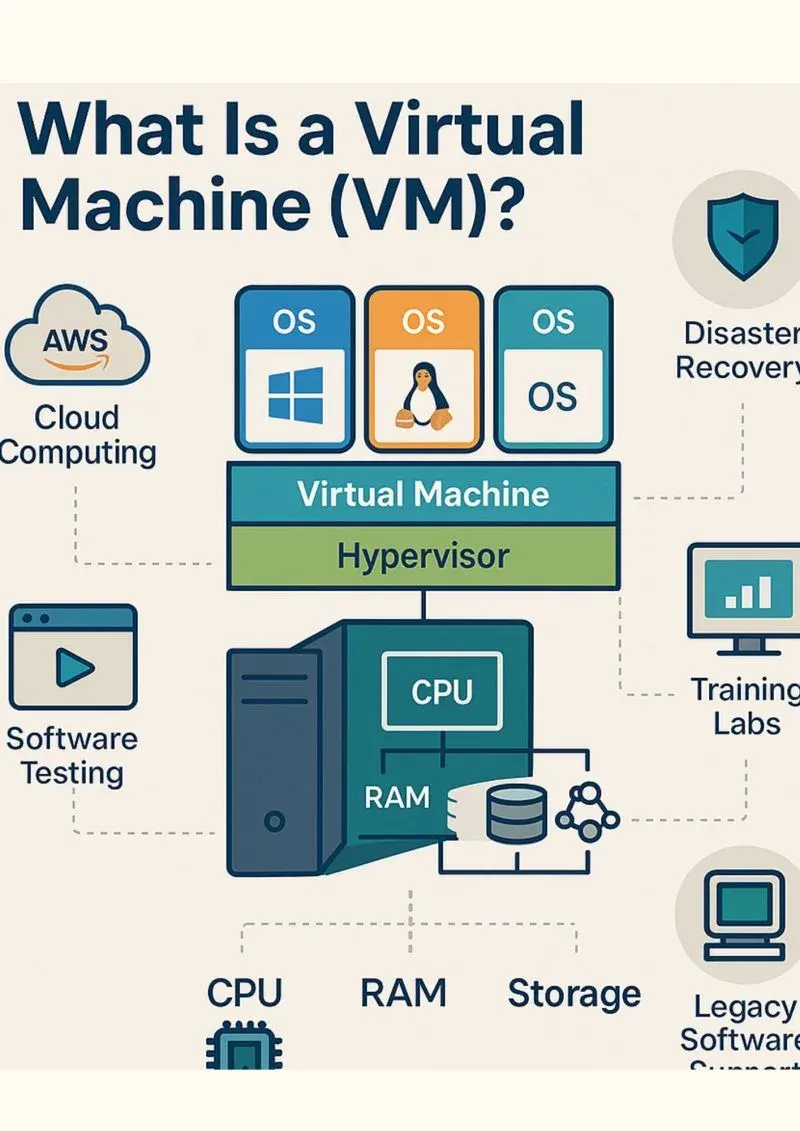
Cloud consoles are less intimidating with one picture: a hotel. The physical server is the building, virtual machines are rented rooms, the virtual network (VPC) and subnets are the floor plan, and security groups are the locks on each door. Hang every new term on that image and cloud networking becomes obvious.
On this page
The first time you open a cloud console, it feels like the cockpit of an aircraft you have never flown. Instances, images, VPCs, subnets, CIDR blocks, security groups, NAT gateways - dozens of unfamiliar dials, all blinking at once. The instinct is to memorise each one. That is the slow way. The fast way is to carry a single picture in your head that every term hangs off. The picture I keep coming back to is a hotel.
The hotel and the rooms
A physical server in a data centre is the hotel building. It is large, expensive, and you would never want to own a whole one just to sleep for a night. Virtualization is what turns that building into rooms. The hypervisor is the architect and front desk combined: it divides the building into many rooms, hands each guest a key, and makes sure no one can wander into anyone else’s room. Each room is a virtual machine.
When you “launch a VM,” you are checking into a room. You did not build the hotel and you do not own the plumbing, but for as long as you pay, the room is yours, with a lock only you hold. You can have a small room or a suite - that choice is the instance size, measured mostly in two things guests care about: how much desk space to work at (vCPUs) and how much floor space to spread out in (memory).
You do not furnish the room from scratch either. You pick from a catalogue of pre-set rooms - one already laid out for Linux, one for Windows, one with your company’s standard setup already installed. That template is the image. Choose it, and the room boots up furnished.
This picture also explains the bill that surprises so many beginners. A room you have checked into costs money whether or not you are sleeping in it. Stop the VM and you have merely stepped out for the day - you still hold the key, your luggage is still inside, and you still pay for the room. Only when you check out completely - terminate the VM - does the charge stop. The classic first mistake is leaving a room booked for a month after a five-minute experiment.
The floor plan is the network
A single room is not a system. Real applications are several machines that need to talk to each other while staying safe from strangers. This is where cloud networking comes in, and the hotel picture stretches to fit it perfectly.
Your VPC - virtual private cloud - is your private floor of the hotel. No other guest is on it. You decide its layout by choosing an address range, written in CIDR notation like 10.0.0.0/16. Think of that as the room-numbering scheme for your floor: it tells you how many rooms you can have and what their numbers look like.
You then divide the floor into wings, called subnets. Some wings open onto the public corridor by the elevators - these are public subnets, and machines there can be reached from the internet. Other wings are tucked at the back with no corridor access - private subnets, where nothing outside can reach in. The rule that separates a good design from a dangerous one is simple: put only what truly must face the public in a public wing, and hide everything else - especially your database - in a private wing.
Every room has an internal phone extension that works only within the hotel: that is its private IP address, and it is how your machines call each other. A room gets a public phone number, a public IP, only if you deliberately list it in the directory. A database with no public number, in a back wing with no corridor, simply cannot be cold-called by an intruder. There is no line to ring.
The locks are the security groups
Drawing wings and corridors decides where traffic can physically go. Deciding who is actually allowed through a given door is the job of a security group - the lock on each room.
The reassuring part for a beginner is that these locks are deny-by-default. Every door starts locked, and you only ever write rules to open specific ones. A web server’s lock might say: anyone may knock on the HTTPS door (port 443), but the maintenance door (SSH, port 22) opens only for one specific person - you, from your own address. The single most important habit in all of cloud security lives right here: never leave that maintenance door open to everyone. Set the source to your own IP, not to “the whole internet,” and you have shut out the automated burglars that test every hotel’s back doors around the clock.
The most elegant locks do not name individuals at all - they name roles. The database’s door is set to open only for “anyone wearing a web-tier badge.” Machines come and go, addresses change, but the rule keeps holding because it trusts the role, not the face. That is how you build tiers: the public web wing may speak to the app wing, the app wing may speak to the data wing, and no one ever skips a layer.
Putting it together
Now the cockpit makes sense. A two-tier web app is just a private floor with a public wing holding one web room that faces the corridor, and a back wing holding a database room with no public number, reachable only by the web room over the internal phone, its files saved to a durable storeroom (block and object storage) that survives even if the room is vacated.
That is the whole discipline in one image: rent rooms, draw a smart floor plan, lock the doors to the narrowest set of people who need them, and keep the public corridor as short as you possibly can. Learn the picture, and the vocabulary follows for free.
Key takeaways 5
- A physical server is the hotel; virtual machines are the rooms.
- Virtualization lets many isolated VMs share one machine.
- A VPC is your private floor plan; subnets divide it.
- Security groups act like locks controlling traffic to each VM.
- Public and private subnets separate what faces the internet.
Watch & learn

Frequently asked questions
What is a virtual machine in the cloud?
A virtual machine is a software-based computer running on a provider's physical server, with its own operating system, CPU, memory and storage allocated to you.
What is a VPC?
A Virtual Private Cloud is an isolated virtual network in the cloud where you define IP ranges, subnets, routing and gateways for your resources.
What is the difference between a security group and a network ACL?
Security groups are stateful firewalls attached to instances. Network ACLs are stateless rules applied at the subnet level. Many setups use both.
Go deeper with the free masterclass
Workshop, PDF handbook and curated resources for “Virtual Machines & Cloud Networking”.
Related articles
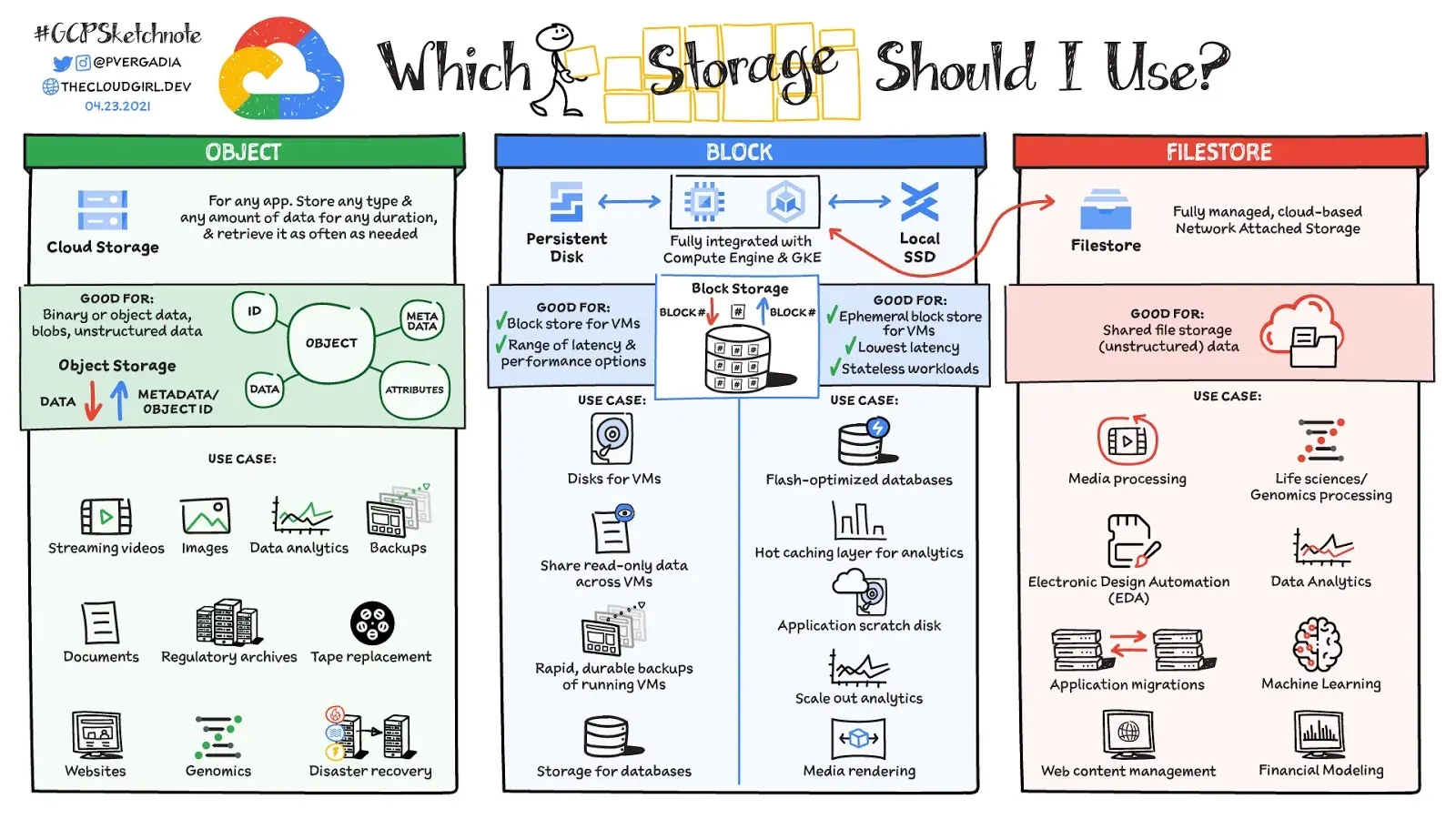
Object Storage & Data in the Cloud
A bucket is the cheapest thing in the cloud to create and one of the easiest to get wrong. Here is the story of one folder of holiday photos, and how it quietly teaches you everything that matters about storing data in the cloud.
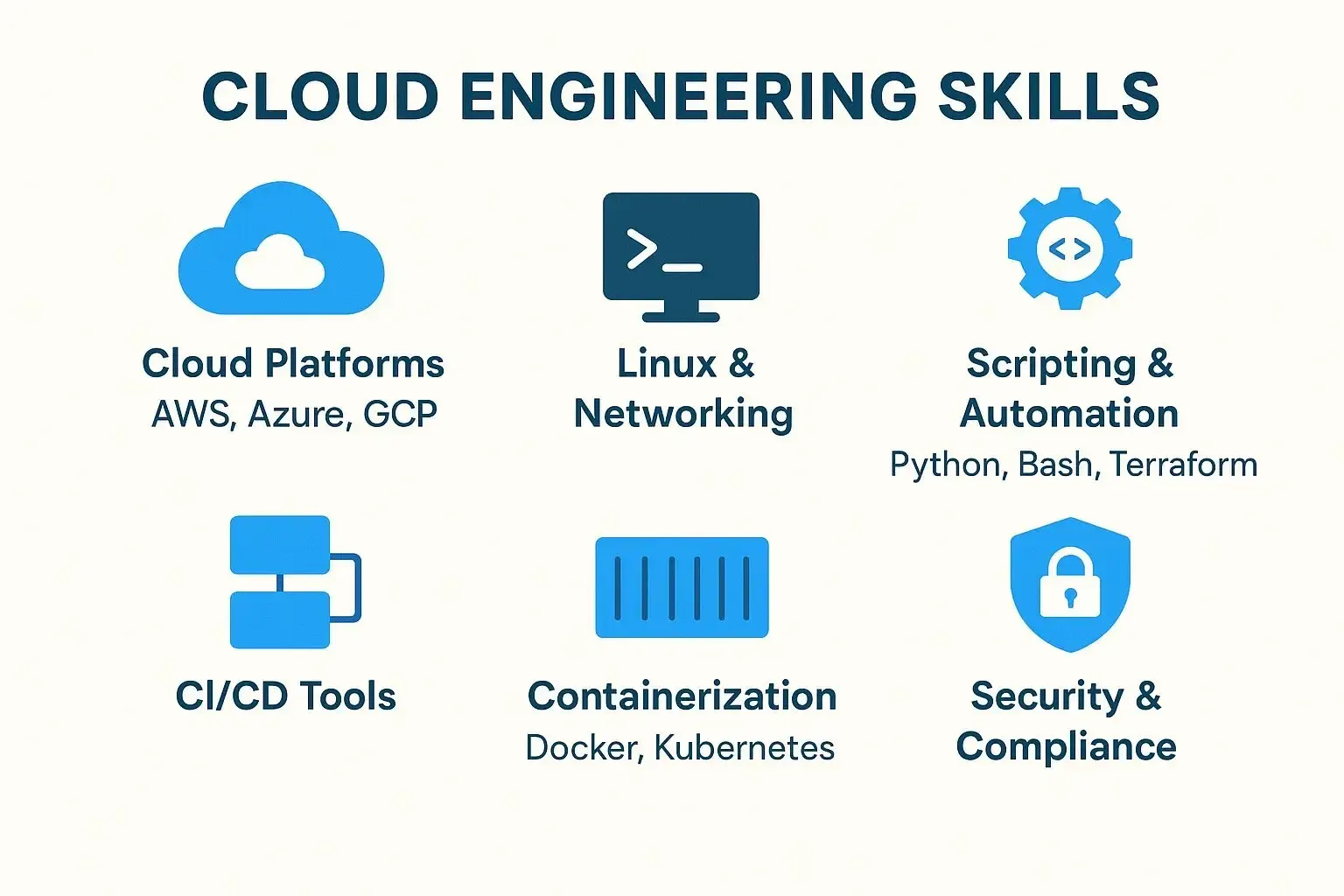
Cloud Foundations for Engineers
The old joke says the cloud is just someone else's computer. It is right - and once you take that literally, everything about cloud engineering starts to make sense.
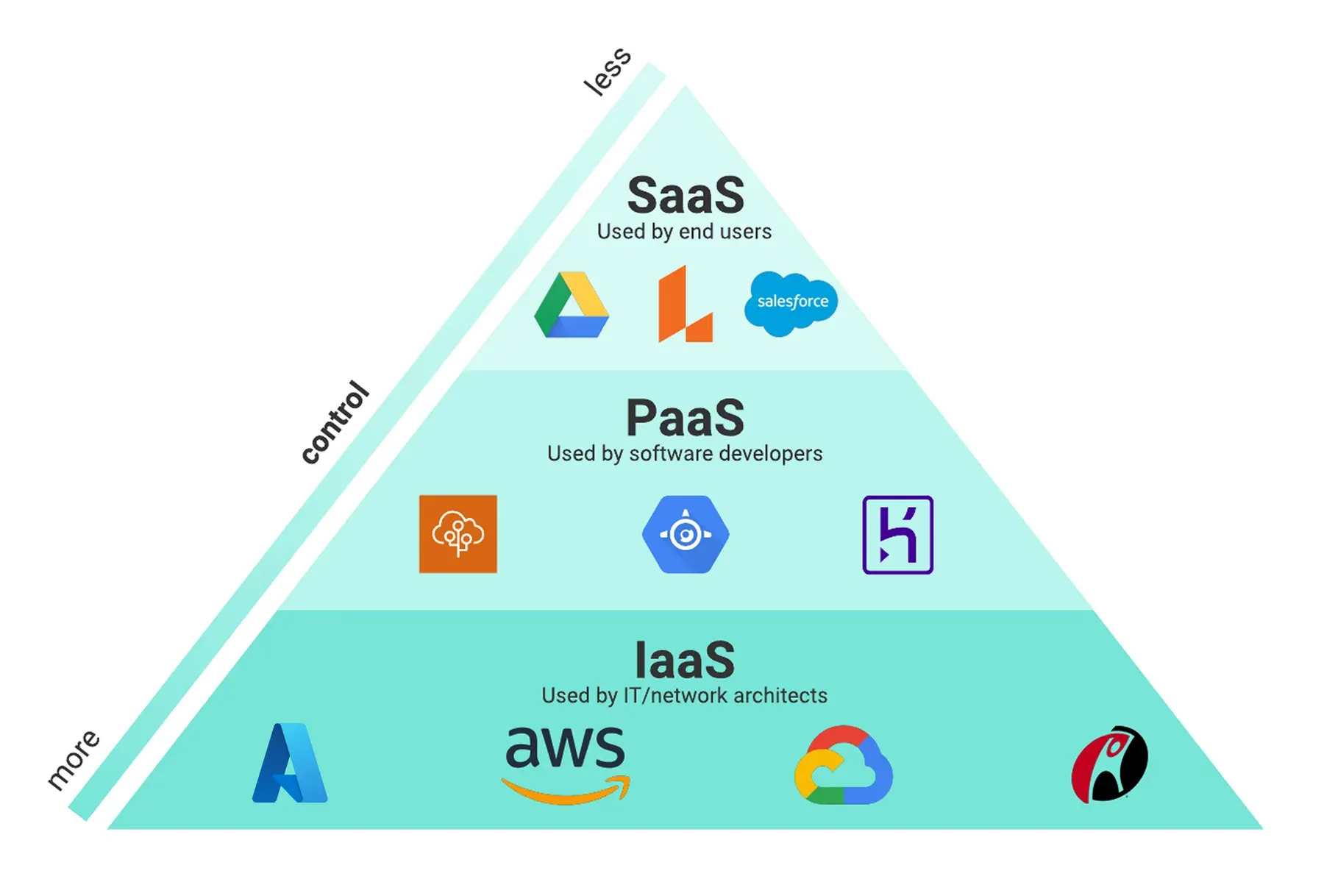
Cloud Concepts & Service Models
Everyone uses the cloud every day, yet most people freeze when asked what it actually is. Here is the whole idea in the time it takes to order a coffee - and a simple way to make any cloud decision afterward.
Comments
No comments yet. Start the conversation.