Introduction to Vi | 02x00.03-03
TL;DR
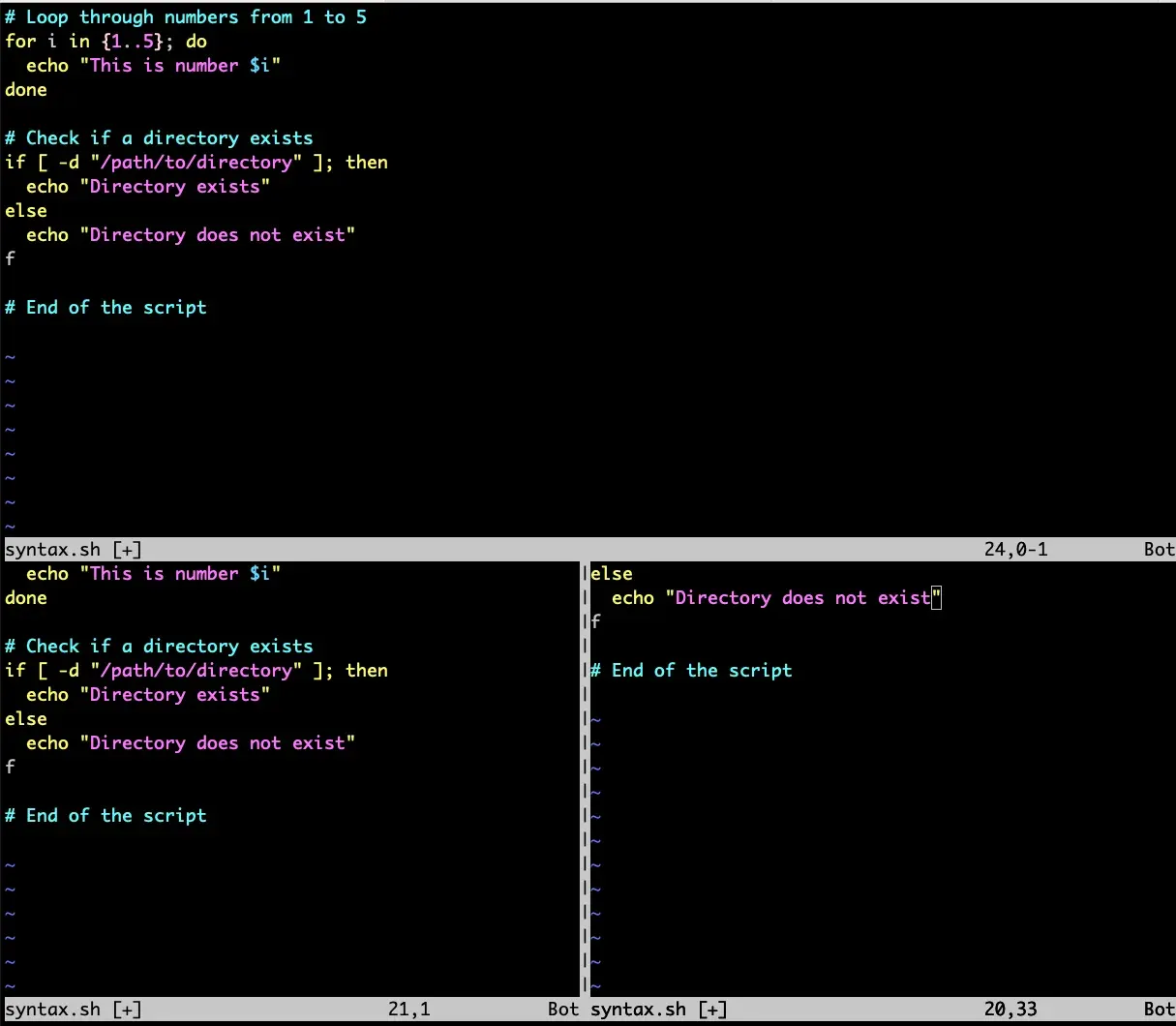
Vi is a fast, modal text editor created by Bill Joy in the 1970s and available on almost every Unix system. This introduction explains command and insert modes, starting and exiting, editing text, cutting and pasting lines, searching, undoing and quitting with or without saving.
On this page
Vi is a powerful and efficient text editor that has been a standard in Unix and Unix-like operating systems for decades. This article will introduce you to Vi, including its origins, fundamental concepts, and essential commands that every user should know. Whether you are new to Vi or looking to refresh your knowledge, this guide will help you get started with editing text in Vi.
What is Vi
Vi is a modal text editor originally developed by Bill Joy in the 1970s for the Unix operating system. It stands for “visual editor” and is renowned for its speed and versatility, making it a favorite among programmers and system administrators.
Who is Bill Joy
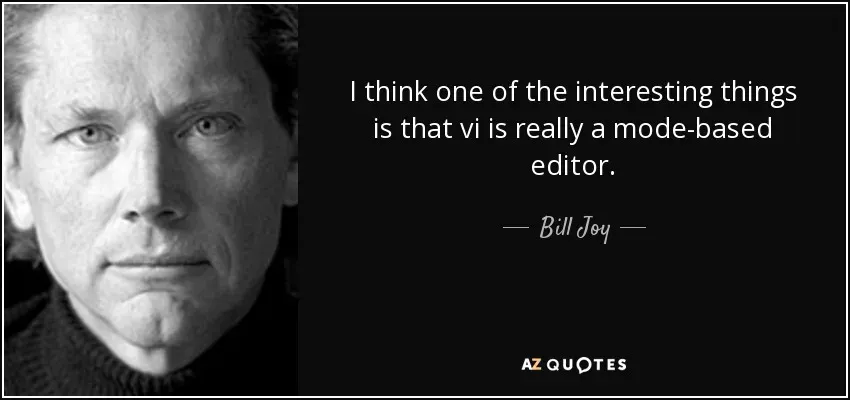
Bill Joy is an American computer scientist and co-founder of Sun Microsystems. He is also the creator of Vi, which he initially developed while a graduate student at the University of California, Berkeley. Vi was designed to be a lightweight and efficient editor suitable for Unix systems.
How to Start and Exit Vi
To start Vi, open a terminal and type:
vi filenameThis command opens Vi and loads the specified file. To exit Vi, you can use several commands depending on whether you’ve made changes or not:
:qThis command quits Vi if no changes have been made.
:q!This command quits Vi forcefully, discarding any changes made.
:wqThis command saves changes and exits Vi.
What are the Command and Insert Modes, and How to Switch Between Them
Vi operates in two primary modes:
- Command mode: This is the default mode where you can navigate, delete, copy, and perform other operations using commands.
- Insert mode: In this mode, you can insert and edit text directly into the document.
To switch from command mode to insert mode, press:
iTo switch from insert mode back to command mode, press:
EscHow to Edit Text
In command mode, you can navigate and edit text using various commands:
h: Move leftj: Move downk: Move upl: Move rightx: Delete character under cursordd: Delete current lineyy: Yank (copy) current line
How to Cut and Paste Lines
To cut (delete) a line, use:
ddTo paste (insert) a line, move the cursor to the desired location and press:
pHow to Search Forward and Backward
To search forward in Vi, press:
/search_termTo search backward, press:
?search_termHow to Undo
To undo the last change in Vi, press:
uHow to Quit Vi
To quit Vi and save changes, if any, press:
:wqTo quit Vi without saving changes, press:
:q!Conclusion
Vi is a robust text editor renowned for its efficiency and flexibility. Mastering its basic commands and modes will significantly enhance your productivity, especially in Unix environments. As you continue to use Vi, you’ll discover its rich set of features that make it a preferred choice for many users.
Key takeaways 5
- Vi is available on virtually every Unix-like system.
- Bill Joy created Vi in the 1970s.
- Vi is modal: command mode for actions, insert mode for typing.
- Press i to insert and Esc to return to command mode.
- Use :wq to save and quit, and :q! to quit without saving.
Watch & learn
Frequently asked questions
How do I exit Vi?
Press Esc to make sure you are in command mode, then type :wq and press Enter to save and quit, or :q! to quit without saving.
What are the modes in Vi?
Command (normal) mode is for navigation and editing commands, insert mode is for typing text, and the command-line mode, opened with :, is for commands like saving and quitting.
What is the difference between Vi and Vim?
Vim (Vi IMproved) is an enhanced version of Vi with features like syntax highlighting, multiple undo, plugins and visual mode, and it is what most systems run when you type vi today.
Learn it hands-on at AL Academy
Free practical programs in software, automation and IT, with labs and certificates.
Related articles
Introduction to Emacs | 02x00.03-02
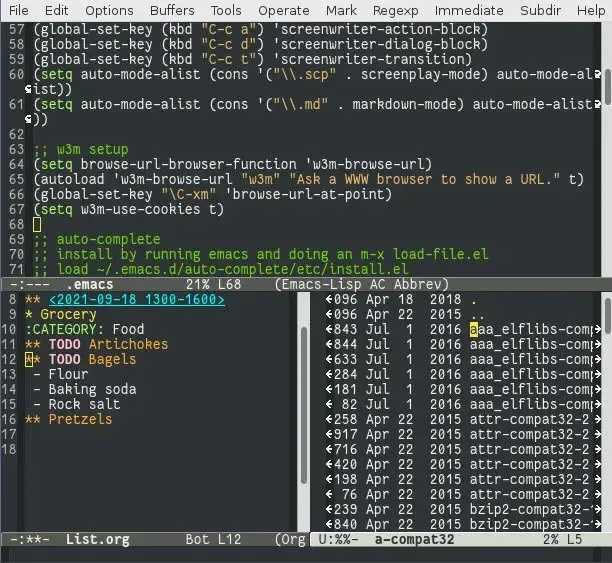
Emacs is not just a text editor; it is a powerful tool that can revolutionize the way you interact with your computer.
Introduction to Nano | 02x00.03-01
Nano is a user-friendly text editor that has been a staple in Unix and Unix-like systems since its inception.
Basic Unix Commands | 02x00.06-01
To navigate through the file system in Unix, you use the cd (change directory) command. Here are some examples:
Comments
No comments yet. Start the conversation.