Workflow Automation with Zapier & Make
The most valuable software skill of the decade is not coding. It is teaching the apps you already own to talk to each other.
TL;DR
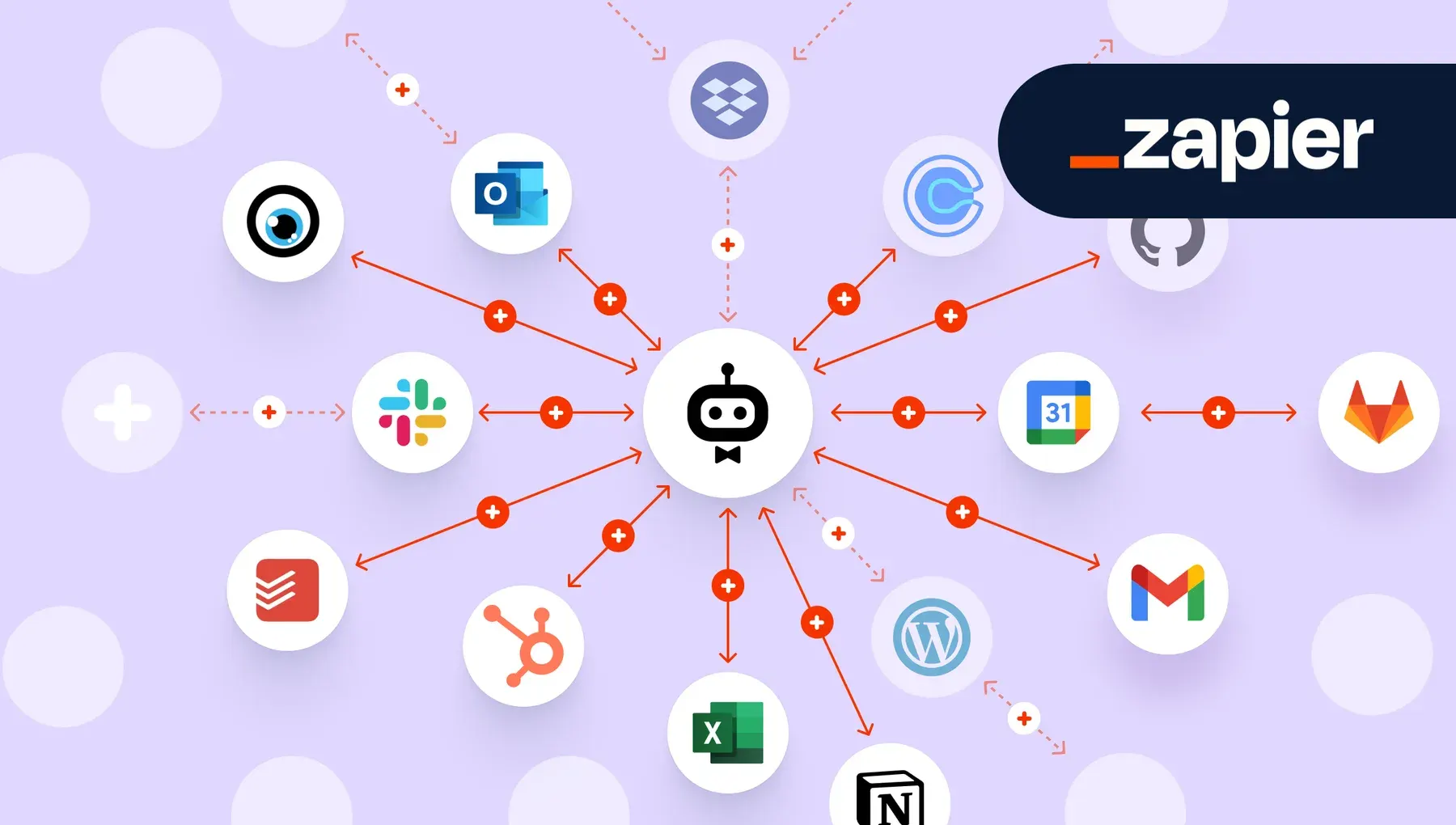
Manual glue work between apps, copying leads, posting payment alerts and replying to forms, is a hidden tax on knowledge work. Zapier and Make automate it with trigger-and-action workflows: Zapier favors simplicity, Make offers visual, complex scenarios. Reliability and discipline, such as error handling, naming and ownership, decide success.
On this page
The hidden tax on knowledge work
There is a particular kind of tiredness that comes not from hard work but from small work repeated. The lead that arrives by email and must be typed, by hand, into a spreadsheet. The invoice that is paid, prompting a copy-paste into a finance channel. The form submission that needs a polite reply and a note to a colleague. None of it is difficult. All of it is forgettable. And together it quietly consumes a startling share of the modern working week.
We have a name for this in operations consulting: the manual-work tax. It is the cost a business pays simply for being the glue between its own software. The remarkable thing is how rarely anyone chooses to pay it. It accrues by default, one three-minute task at a time, until a person who was hired to think is spending their afternoons shuttling data from one window to another.
The good news is that this tax is, increasingly, optional.
The if-this-then-that revolution
A category of tools has matured over the past decade whose entire purpose is to remove the human from the middle of digital busywork. They go by an ungainly acronym - iPaaS, for Integration Platform as a Service - but the idea behind them is almost childishly simple. They sit between your apps and act as a universal translator, passing information from one to another the instant something happens.
The model they use is one we already think in. When this happens, do that. When a new email arrives, add a row to the sheet. When a payment clears, post in the channel. The trigger, then the action. Anyone who has ever written a to-do list can describe an automation; the only new skill is describing your own process clearly enough that a machine can follow it without you.
Two platforms dominate the field, and they embody two different temperaments.
Two philosophies of the same problem
Zapier is the tool of the impatient pragmatist. It builds automations as a vertical list - a recipe you read top to bottom. Trigger first, then action, then action. There is almost nothing to learn; a determined newcomer can have a working automation running in the time it takes to make coffee. Its catalogue of connected apps is the largest in the business, which means that whatever obscure tool your team insists on using, Zapier has probably already built a bridge to it.
Make, which until 2022 went by the name Integromat, is the tool of the systems thinker. Instead of a list it gives you a canvas - a map of bubbles connected by lines, data flowing visibly from one to the next. The first time you see it, it looks more complicated than Zapier, and it is. But that complexity buys you power: branching logic, loops over lists, rich manipulation of dates and text, and a pricing model that, for high volumes, costs a fraction of the alternative.
The choice between them is less about features than about how your mind works. If you think in checklists, Zapier will feel like home. If you think in flowcharts, Make will. Many seasoned operators keep both, reaching for Zapier on a quick personal automation and Make on the heavy, business-critical flows. There is no purity test here, only fitness for purpose.
Reliability is the whole game
It is easy to build an automation that works once, in a demo, with clean data. It is much harder to build one that survives contact with reality - the blank field, the misformatted date, the app that is briefly offline. This is where amateurs and professionals diverge, and the difference is almost entirely about humility.
The professional assumes failure. They put a filter early in the flow so that bad or irrelevant data is rejected before any work is done. They clean messy inputs as the data passes through. Above all, they refuse to let failures be silent: when something breaks, the automation tells a human, because a failure you know about is merely a task, while a failure you do not know about is a slow-motion disaster. They test not with the tidy data they hope for but with the ugly data they fear.
The discipline that keeps it sane
The final, unglamorous truth is that automations are easy to create and easy to forget. Build thirty of them with vague names, connected through the personal account of someone who has since left the company, and you have not saved time - you have built a haunted house. The operators who get real, lasting value treat their automations like the infrastructure they are: clear names that explain themselves, a named owner for each one, a register of what exists, and a monthly glance at cost and usage to retire what nobody uses.
There comes a point, for the most demanding flows, when no-code tools reach their ceiling and a developer should take over. But that day arrives far later than most people fear, and even then the thinking transfers intact. Triggers, actions, filters, error handling - these are universal. The person who learns them by clicking through Zapier and Make is not playing with toys. They are learning, in the friendliest possible classroom, the logic that runs the automated world.
Key takeaways 5
- Repetitive copy-paste work is a hidden manual-work tax.
- Automations follow "when this happens, do that".
- Zapier is simpler; Make handles complex visual scenarios.
- Plan for errors, retries and monitoring.
- Document and own every automation.
Watch & learn

Frequently asked questions
What is the difference between Zapier and Make?
Zapier focuses on simple, linear automations with a very large app library. Make (formerly Integromat) uses a visual canvas for complex scenarios with branching, iteration and data transformation, often at lower cost per operation.
What can I automate with Zapier or Make?
Common automations include adding form submissions to spreadsheets or CRMs, posting notifications to chat, syncing contacts, creating tasks from emails and sending follow-up messages.
How do I make automations reliable?
Add error notifications and retries, test with real data, name and document each workflow, assign an owner and review them regularly as apps change.
Go deeper with the free masterclass
Workshop, PDF handbook and curated resources for “Workflow Automation with Zapier & Make”.
Related articles
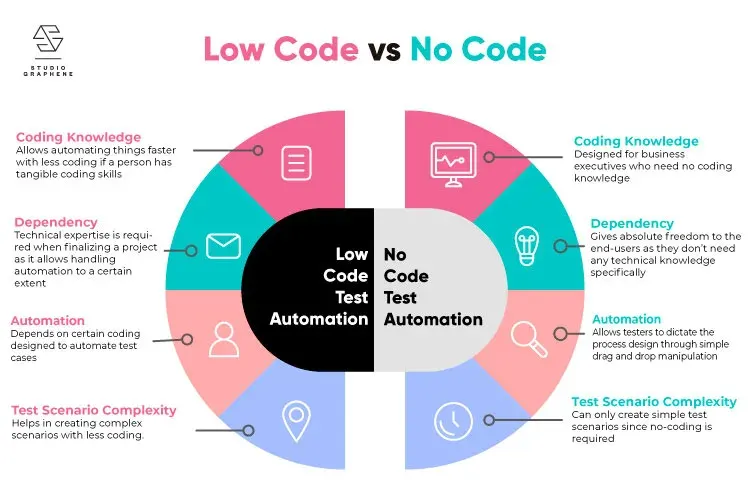
No-Code / Low-Code Automation for Teams
Your team doesn't need a developer to stop doing the same boring task over and over. Here's how no-code automation puts that power in your own hands.
Unlock Seamless Automation with ViaSocket — Lifetime Free Access Ends Soon!
A hands-on look at ViaSocket, a no-code automation platform: drag-and-drop workflows, wide app integrations and AI assistance.
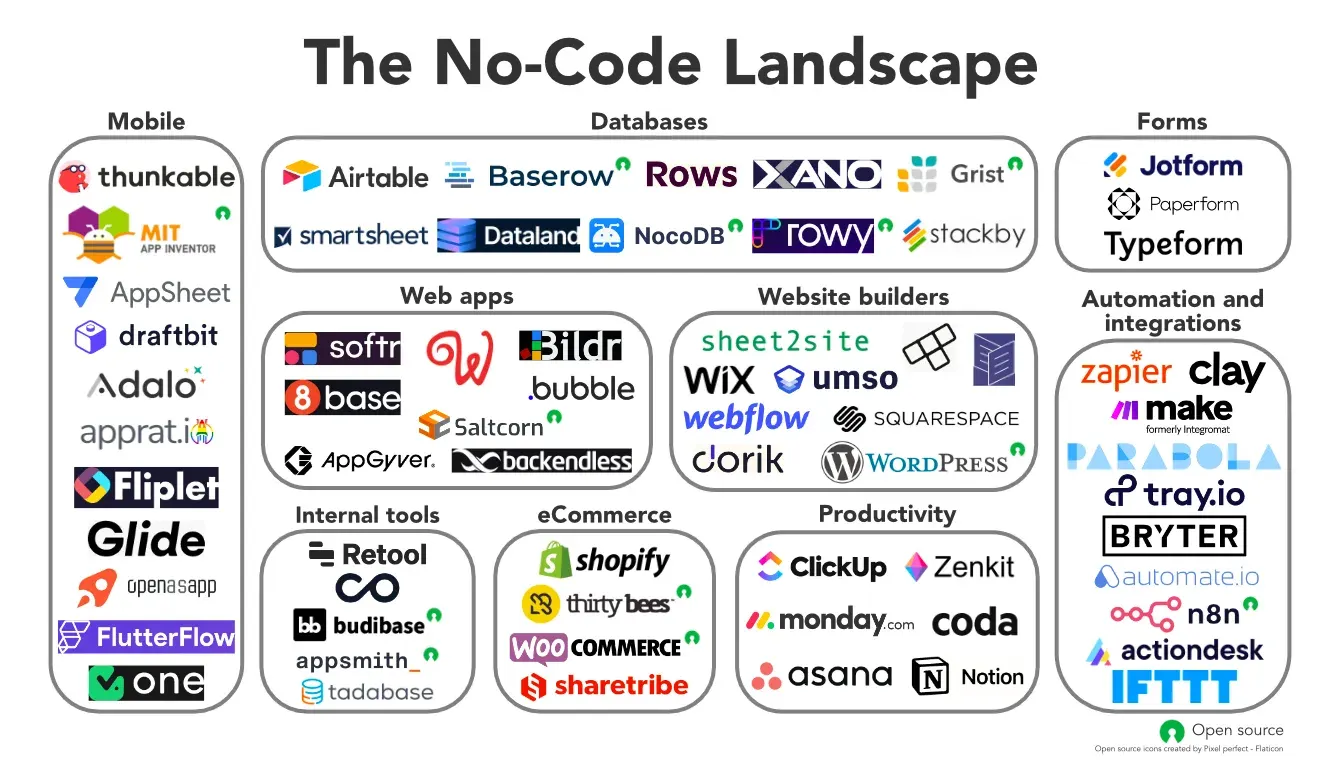
Exploring the World of No-Code Tools: Empowering Creativity Without Coding
In the ever-evolving landscape of technology, the emergence of no-code tools has revolutionized how individuals and businesses bring their ideas to life.
Comments
No comments yet. Start the conversation.