No-Code / Low-Code Automation for Teams
Your team doesn't need a developer to stop doing the same boring task over and over. Here's how no-code automation puts that power in your own hands.
TL;DR
Teams no longer need a developer to stop repeating boring tasks. No-code automation tools connect apps with simple "when this happens, do that" rules built from triggers, actions and filters. The catch is ownership, error handling and knowing when a workflow has grown complex enough to need real code.
On this page
There is a particular kind of tired that comes from doing the same small task for the hundredth time. Copying a form response into a spreadsheet. Re-typing an order into a second system. Sending the identical “here’s your weekly update” email every Friday afternoon. None of it is difficult. All of it quietly eats your week and, worse, invites the kind of typo that no one notices until it matters.
For most of computing history, the fix required a programmer. If you wanted to connect two tools or automate a routine, you opened a ticket, joined a queue, and waited. The people closest to the problem — the schedulers, recruiters, support agents, and operations staff who felt the pain every day — were the least able to solve it. No-code and low-code tools have flipped that.
What “no-code” actually means
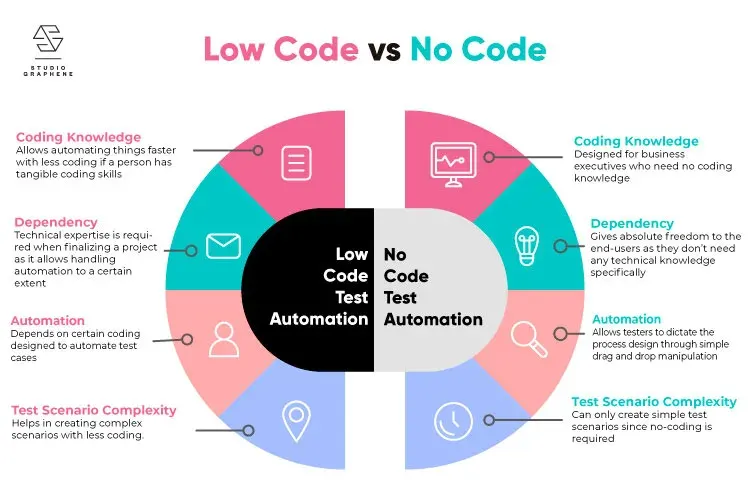
No-code tools let you build working automations using visual interfaces: menus, drag-and-drop, and configuration screens, with no programming at all. Low-code is the close cousin that stays mostly visual but lets you drop in a small formula or snippet when the menus run out. Think meal kit versus a recipe you can season to taste. Either way, the barrier that kept automation locked behind engineering is gone.
The promise is not that any single automation will change your life. It is that the person who understands the task can fix the task, today, without waiting for anyone else.
One sentence to rule them all
The intimidating part of automation evaporates once you see that nearly every automation fits a single sentence:
When a trigger happens, do one or more actions, using your connected apps.
A trigger is the event that kicks things off — a new form submission, an incoming email, a scheduled time of day. An action is what happens next — create a record, send a message, update a row. And an integration is the ready-made connection that lets the platform talk to the apps you already use, like your spreadsheet, your chat tool, or your calendar.
The glue between steps is something called data mapping, and it is far simpler than it sounds. When a form is submitted, it hands over a bundle of fields — a name, an email, a message. In each later step, you simply point those fields where they need to go: the email field into the “To” box, the name into the greeting. You are not writing logic; you are connecting dots. Once that clicks, you can read and build automations in almost any tool, because they all share the same shape.
Three building blocks
In practice, most team automations are assembled from three reusable pieces. Forms collect clean, structured input — ask only for what you need, and use the right field types so the data arrives tidy. Tables (a spreadsheet, or something richer like a database tool) store and organize that information into records and fields, with views that let you slice the same data different ways. And automations are the rules that tie it all together and reach out to other apps.
Snap them together and a real workflow appears: a request form feeds a table, and an automation on that table posts a chat alert and emails a confirmation. No code, three pieces, one reliable process — and you reuse the same parts in new combinations forever after.
The part nobody warns you about
Here is the uncomfortable truth. The same ease that makes no-code wonderful makes it dangerously easy to create a mess. An automation named “Zap 14” that nobody understands. A workflow quietly piping customer data into someone’s personal account. A Friday report that the whole team depends on, owned by a colleague who left three months ago and took the login with them.
The cure is not technical; it is discipline, and it costs almost nothing. Name every automation clearly, including its purpose and a named human owner. Keep a single shared list of what exists, what it touches, and who looks after it. Turn on failure notifications so you find out when something breaks instead of discovering it through an angry customer. And add a filter or condition so an automation acts only when it should, never on a blank record or a piece of spam.
Above all, stay in the light. The industry has a name for tools running inside an organization without the knowledge of the people responsible for security and reliability: shadow IT. No-code makes it effortless to create by accident. A two-minute conversation with IT before you connect something sensitive is infinitely cheaper than the incident you avoid.
Knowing when to stop
Finally, respect the edges. No-code is brilliant for repetitive, rule-based work at modest volume. It strains under heavy complexity, huge scale, strict compliance, and anything truly business-critical. When an automation grows so tangled that only its creator understands it, or when real money stops if it breaks, that is the signal to bring in a developer.
And that hand-off is not a defeat — it is a promotion. Your working automation is a perfect specification: it shows exactly what the process does, with real data and all the edge cases you discovered the hard way. A developer can rebuild it properly in a fraction of the time it would have taken from a blank page.
So pick one task that has annoyed you all week. Phrase it as “when this happens, do that.” Build it, add a condition, test it, name it, and write down what it does. You will have reclaimed a small piece of your time — and learned a skill that pays off every single week thereafter.
Key takeaways 5
- Repetitive copy-paste work is ideal for automation.
- No-code tools let the people closest to the work automate it.
- Every automation is a sentence: when X happens, do Y.
- Triggers, actions and conditions are the building blocks.
- Plan for errors and ownership, and know when to switch to code.
Watch & learn

Frequently asked questions
What is no-code automation?
No-code automation uses visual tools such as Zapier, Make, Power Automate or n8n to connect apps and automate tasks with triggers and actions, without writing code.
What is the difference between no-code and low-code?
No-code tools are used entirely through visual interfaces. Low-code tools are mostly visual but let you add code for custom logic and integrations.
What are the risks of no-code automation?
Hidden workflows nobody owns, silent failures, data errors, security issues with connected accounts and growing complexity that becomes hard to maintain.
Go deeper with the free masterclass
Workshop, PDF handbook and curated resources for “No-Code / Low-Code Automation for Teams”.
Related articles
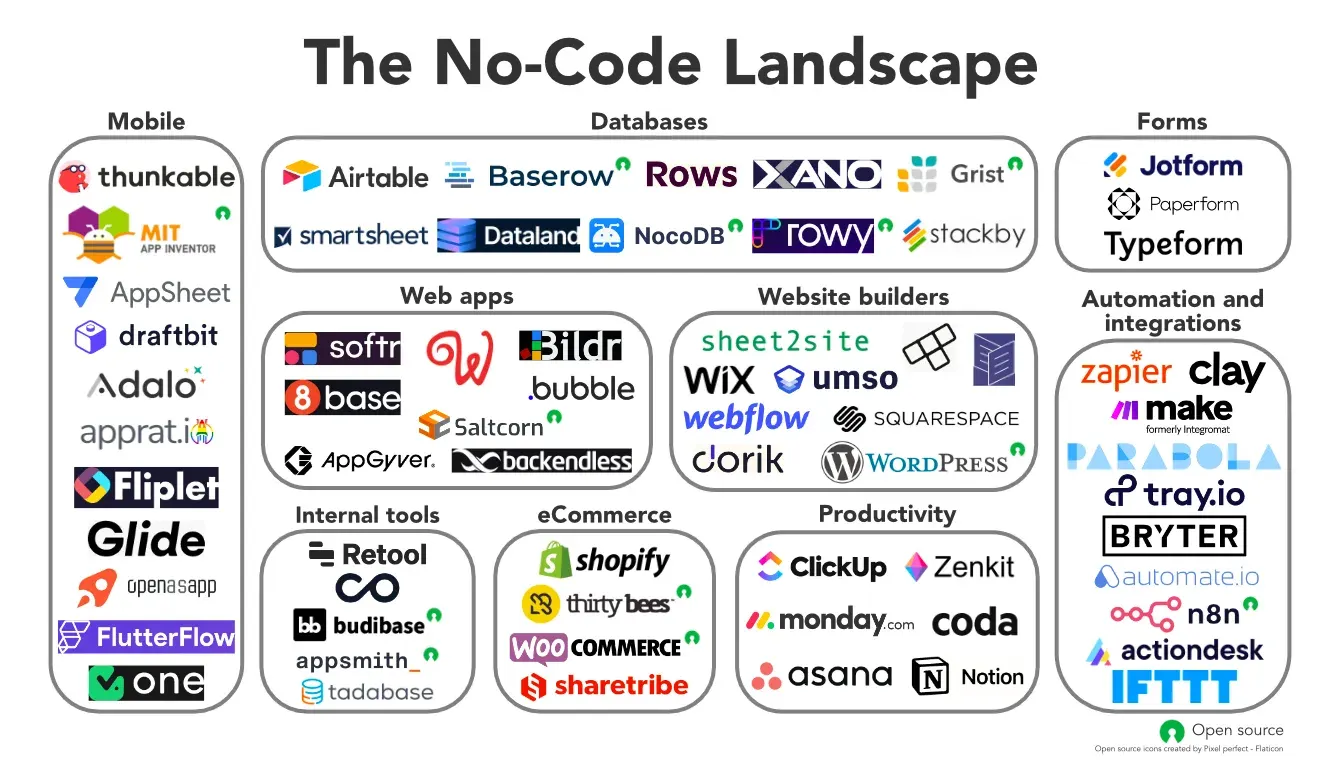
Exploring the World of No-Code Tools: Empowering Creativity Without Coding
In the ever-evolving landscape of technology, the emergence of no-code tools has revolutionized how individuals and businesses bring their ideas to life.
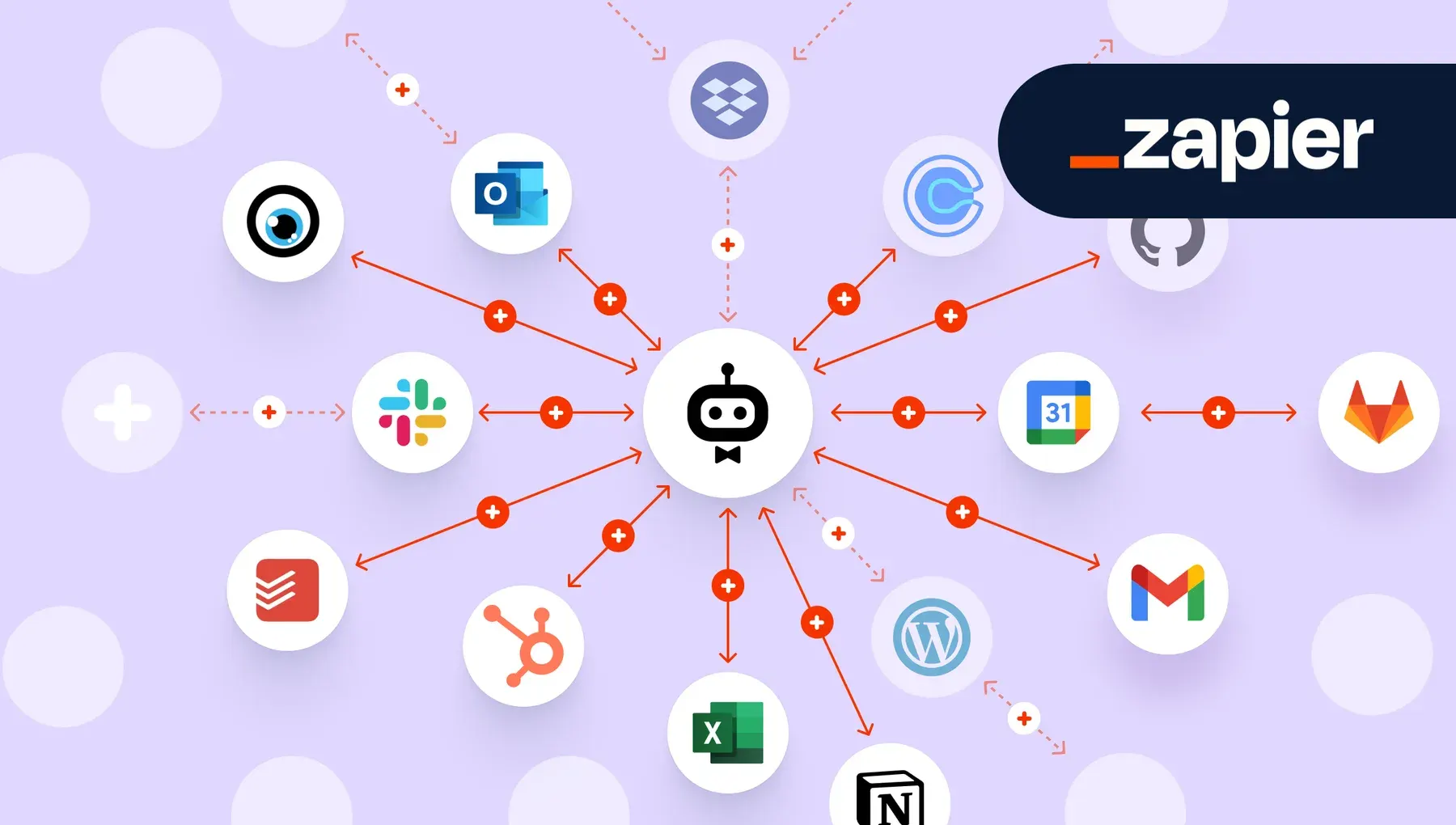
Workflow Automation with Zapier & Make
The most valuable software skill of the decade is not coding. It is teaching the apps you already own to talk to each other.

Unlock Seamless Automation with ViaSocket — Lifetime Free Access Ends Soon!
A hands-on look at ViaSocket, a no-code automation platform: drag-and-drop workflows, wide app integrations and AI assistance.
Comments
No comments yet. Start the conversation.