Exploring the World of No-Code Tools: Empowering Creativity Without Coding
TL;DR
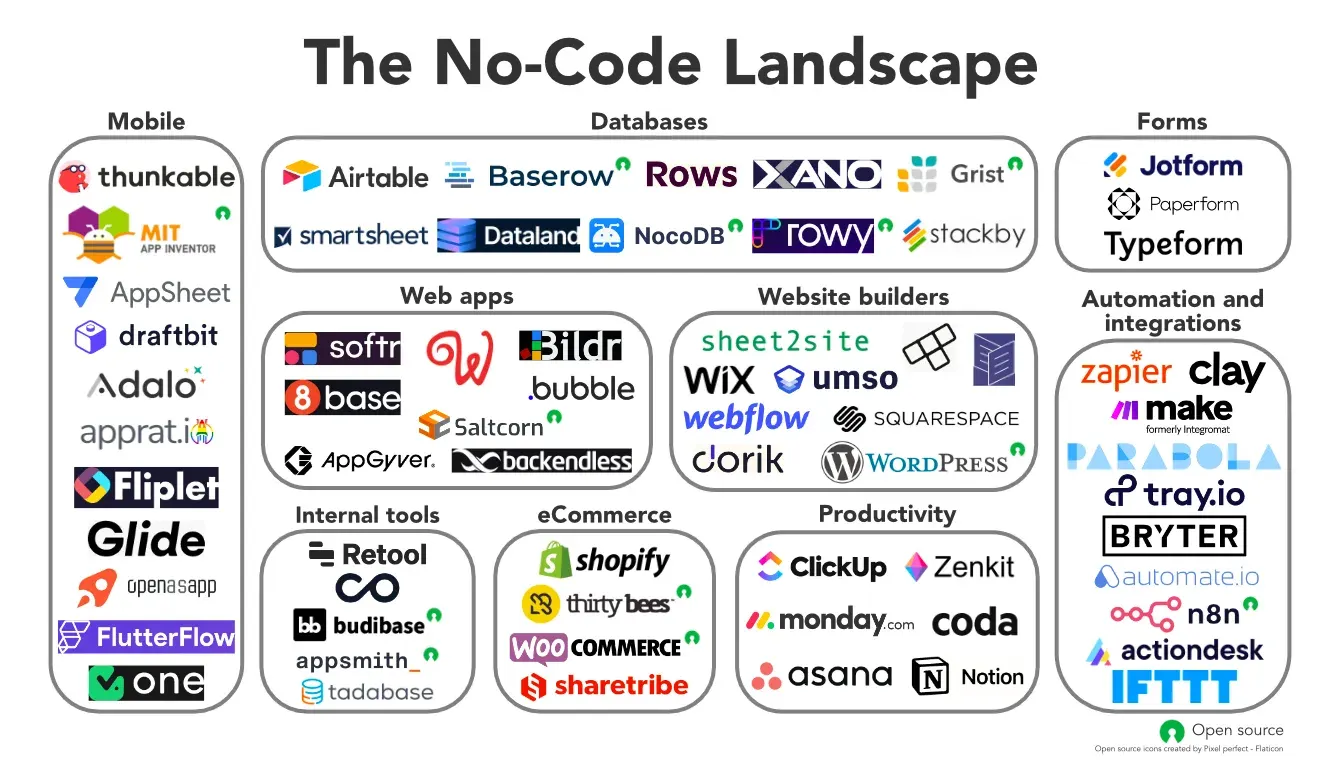
No-code tools let people build websites, apps, automations and online stores without traditional programming. This curated guide groups the best options into workflow automation (like n8n), design tools for graphics and video, customizable app platforms, and plug-and-play ecommerce and creator platforms.
On this page
In the ever-evolving landscape of technology, the emergence of no-code tools has revolutionized how individuals and businesses bring their ideas to life. These intuitive platforms empower users to create websites, apps, workflows, and more without the need for traditional coding knowledge. Let’s dive into a curated list of some of the top no-code tools across different categories.
Building Block Tools for Workflows:
- Automate.io: Seamlessly connect your favorite apps and automate workflows with Automate.io. Whether it’s integrating CRM systems, marketing tools, or payment gateways, Automate.io simplifies the process without requiring any code.
- N8N: N8N is an open-source workflow automation tool providing a visual interface for users to integrate and automate services. From data processing to notifications and beyond, N8N enables users to streamline complex tasks with ease.
- Pipedream: Designed for developers, Pipedream is an integration platform to build and run workflows using code or no-code solutions. Its flexibility and scalability make it a powerful tool for automating processes and handling data pipelines.
- Airtable: Utilize Airtable, a cloud-based database with app, view, and integration capabilities, to manage your data and streamline your workflows.
- Integromat: Connect apps and automate workflows effortlessly with Integromat, simplifying complex processes and enhancing productivity.
- Parabola: Parabola offers a drag-and-drop interface for automating manual processes without code, empowering users to streamline their workflows with ease.
- Tray.io: Tray.io is an integration platform that enables users to build automated workflows without code, allowing for seamless integration between different apps and services.
- Workato: Workato is an automation platform that enables businesses to integrate their apps and automate workflows without code, boosting efficiency and productivity.
Design Tools for Graphics and Videos:
- Crello: Crello is an online graphic design tool equipped with thousands of templates and customizable features. Whether you’re creating social media graphics or marketing materials, Crello empowers users to create stunning visuals without any design expertise.
- Pixlr: Pixlr is a versatile online photo editor offering a range of tools for editing images and creating graphics. With its user-friendly interface and extensive functionality, Pixlr caters to both beginners and professionals alike.
- Adobe Spark: Adobe Spark is an online and mobile design app for creating social graphics, web pages, and short videos, providing users with a range of intuitive tools and templates to bring their ideas to life.
- Snappa: Snappa is an online graphic design tool featuring customizable templates for social media, ads, and more. With Snappa, users can easily create professional-quality graphics without any design experience.
- Lumen5: Lumen5 is a video creation platform powered by A.I. that turns text into engaging videos. Whether it’s for marketing purposes or storytelling, Lumen5 offers a seamless way to create captivating videos in minutes.
Highly-Customizable Platforms for Specific User Journeys:
- Appgyver: Appgyver is a no-code platform tailored for building mobile apps with advanced features. Its drag-and-drop interface and pre-built components make app development accessible to individuals and businesses of all skill levels.
- Draftbit: Draftbit enables users to design and build mobile apps visually without writing a single line of code. With its intuitive editor and real-time preview, Draftbit empowers users to bring their app ideas to fruition effortlessly.
- Glide: Glide allows users to transform spreadsheets into user-friendly apps with minimal effort. Whether it’s creating inventory trackers, event planners, or customer databases, Glide simplifies app development for non-technical users.
- Bubble: Bubble is a web application builder that empowers users to create and customize web apps without code, offering a wide range of features to suit various needs.
- Flutterflow: Flutterflow enables users to build Flutter apps visually without writing code, making app development more accessible and efficient.
- Notion: Notion is an all-in-one workspace application for notes, databases, kanban boards, wikis, calendars, and reminders, providing users with a versatile platform to organize and manage their tasks and projects.
- Retool: Retool allows users to build internal tools quickly with a drag-and-drop interface, connecting to any database or API. It streamlines the process of building custom tools for various business needs.
- Softr: Softr is a no-code platform that enables users to build websites, web apps, client portals, and internal tools using Airtable or Google Sheets as a database. With its intuitive interface, Softr simplifies the development process for non-technical users.
Off-the-Shelf, Ecommerce Plug-and-Play Tools, and Creator Platforms:
- Big Cartel: Big Cartel is an e-commerce platform designed for artists and makers to sell their products online. With its customizable storefronts and easy-to-use tools, Big Cartel provides a seamless selling experience for creative entrepreneurs.
- Gumroad: Gumroad empowers creators to sell digital products directly to their audience with ease. From e-books to online courses and software downloads, Gumroad handles payments, delivery, and customer support, allowing creators to focus on what they do best.
- Square Online: Square Online enables businesses to build an online store with integrated tools for payments, orders, and inventory management. With Square’s suite of services, users can create a professional online presence and manage their e-commerce operations efficiently.
- Circle: Circle allows you to integrate discussions, memberships, and content into a community under your brand, fostering engagement and connection among your audience.
- Flutterwave: Flutterwave enables you to receive payments without a website or integration, making it easy to create and send payment links to your customers.
- Shopify: Shopify is an e-commerce platform that allows users to set up an online store and sell products effortlessly. With its user-friendly interface and customizable features, Shopify caters to businesses of all sizes.
- Squarespace: Squarespace is a website builder with e-commerce functionality, offering visually appealing templates and intuitive tools to create professional websites and online stores.
- Wix: Wix is a website builder with drag-and-drop tools and customizable templates for creating stunning websites and online stores. Whether you’re a beginner or an experienced user, Wix provides the flexibility and functionality to bring your ideas to life.
In conclusion, the world of no-code tools offers a plethora of options for individuals and businesses looking to innovate and streamline their processes without the need for coding expertise. Whether it’s automating workflows, designing graphics, building apps, or launching an online store, these tools empower users to unleash their creativity and achieve their goals in the digital realm.
Explore the full list of no-code tools:
Key takeaways 5
- No-code tools let non-programmers build real products and workflows.
- Workflow tools such as n8n connect apps and automate tasks.
- Design tools make graphics and video accessible to anyone.
- App builders handle specific user journeys without code.
- Ecommerce and creator platforms launch online businesses quickly.
Watch & learn

Frequently asked questions
What are no-code tools?
No-code tools are platforms with visual interfaces, such as drag-and-drop builders and connectors, that let people create websites, apps and automations without writing code.
What is n8n?
n8n is an open-source workflow automation tool with a visual editor that connects apps and services to automate tasks, and it can be self-hosted.
What are the limits of no-code tools?
Complex logic, performance at scale, vendor lock-in, integration limits and recurring subscription costs can become constraints, at which point custom code may be needed.
Learn it hands-on at AL Academy
Free practical programs in software, automation and IT, with labs and certificates.
Related articles
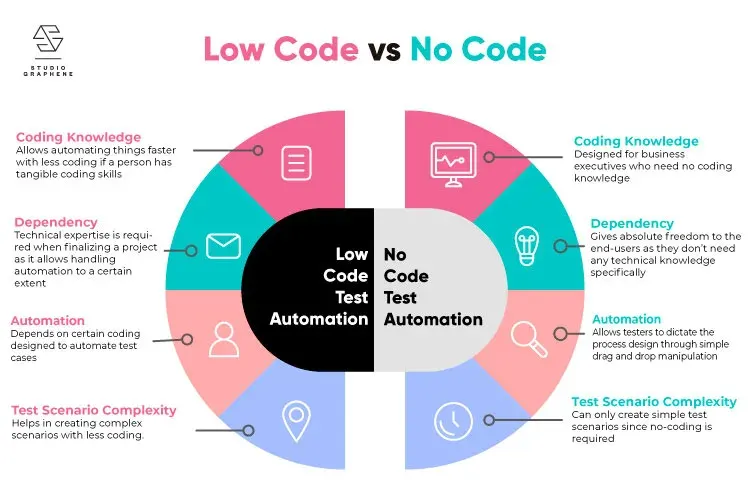
No-Code / Low-Code Automation for Teams
Your team doesn't need a developer to stop doing the same boring task over and over. Here's how no-code automation puts that power in your own hands.

Unlock Seamless Automation with ViaSocket — Lifetime Free Access Ends Soon!
A hands-on look at ViaSocket, a no-code automation platform: drag-and-drop workflows, wide app integrations and AI assistance.
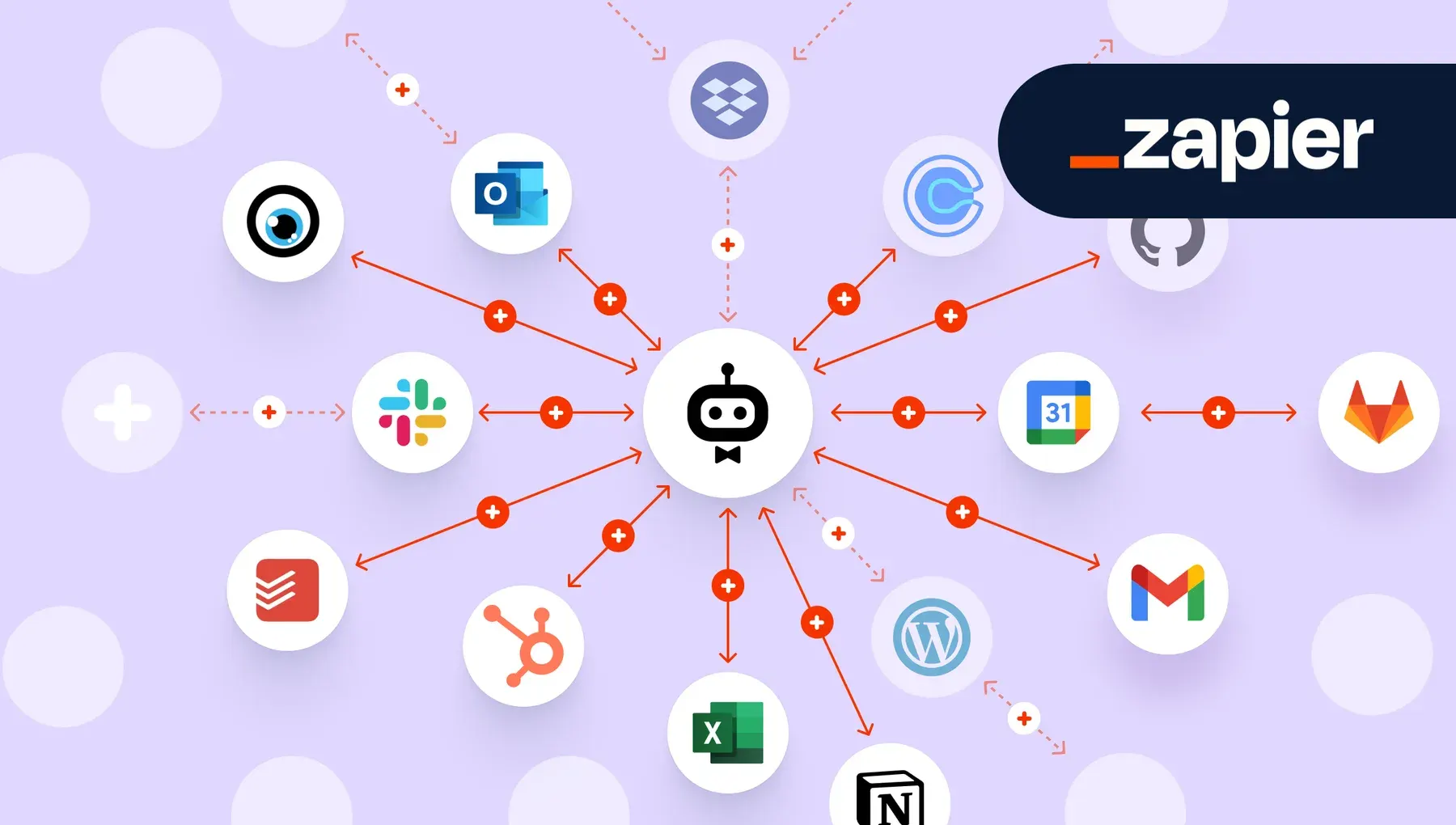
Workflow Automation with Zapier & Make
The most valuable software skill of the decade is not coding. It is teaching the apps you already own to talk to each other.
Comments
No comments yet. Start the conversation.