Ransomware Defense & Recovery
Ransomware is a business-continuity problem wearing a malware costume. Here is how blue teams actually beat it.
TL;DR
Ransomware is a business-continuity problem wearing a malware costume. Encryption is the last step of an intrusion that ran quietly for days or weeks. Boring controls like MFA, patching and least privilege beat it, backups must be immutable because attackers target them, and a rehearsed recovery plan decides how bad the day gets.
On this page
When a ransom note finally appears on a screen, the worst of the damage is already done. That single fact reshapes how a defender should think about ransomware. The flashing demand for payment is not the attack, it is the final act of a play that has been running quietly for days, sometimes weeks. The attacker has already walked through the front door, made copies of the keys, explored every room, and quietly disabled the alarm. Encryption is just the moment they decide to be seen.
I have watched organizations treat ransomware as a malware problem, something a good antivirus product is supposed to stop. That framing is why so many of them lose. Ransomware is better understood as a business-continuity problem in a malware costume. The real cost is rarely the encryption itself; it is the days or weeks of downtime, the customers who leave, the data that gets leaked, and the staff working around the clock to rebuild trust in systems they can no longer believe. Once you internalize that, your priorities rearrange themselves in a useful way.
Encryption Is the Last Step, Not the First
The most important mental model for a defender is the attack lifecycle. An intrusion typically moves through initial access, persistence, privilege escalation, lateral movement, and data theft long before any files are locked. Each of those stages is an opportunity. A phished credential blocked by multi-factor authentication never becomes a foothold. A foothold that cannot escalate privileges cannot reach the backup server. Lateral movement stopped by network segmentation turns a company-wide outage into a single-department headache.
This is why I am skeptical of any vendor promising a single product that “stops ransomware.” There is no such product, because ransomware is not a single thing. It is the visible end of a long chain, and you defend a chain by reinforcing every link, not by buying one shinier link.
The Boring Controls Win
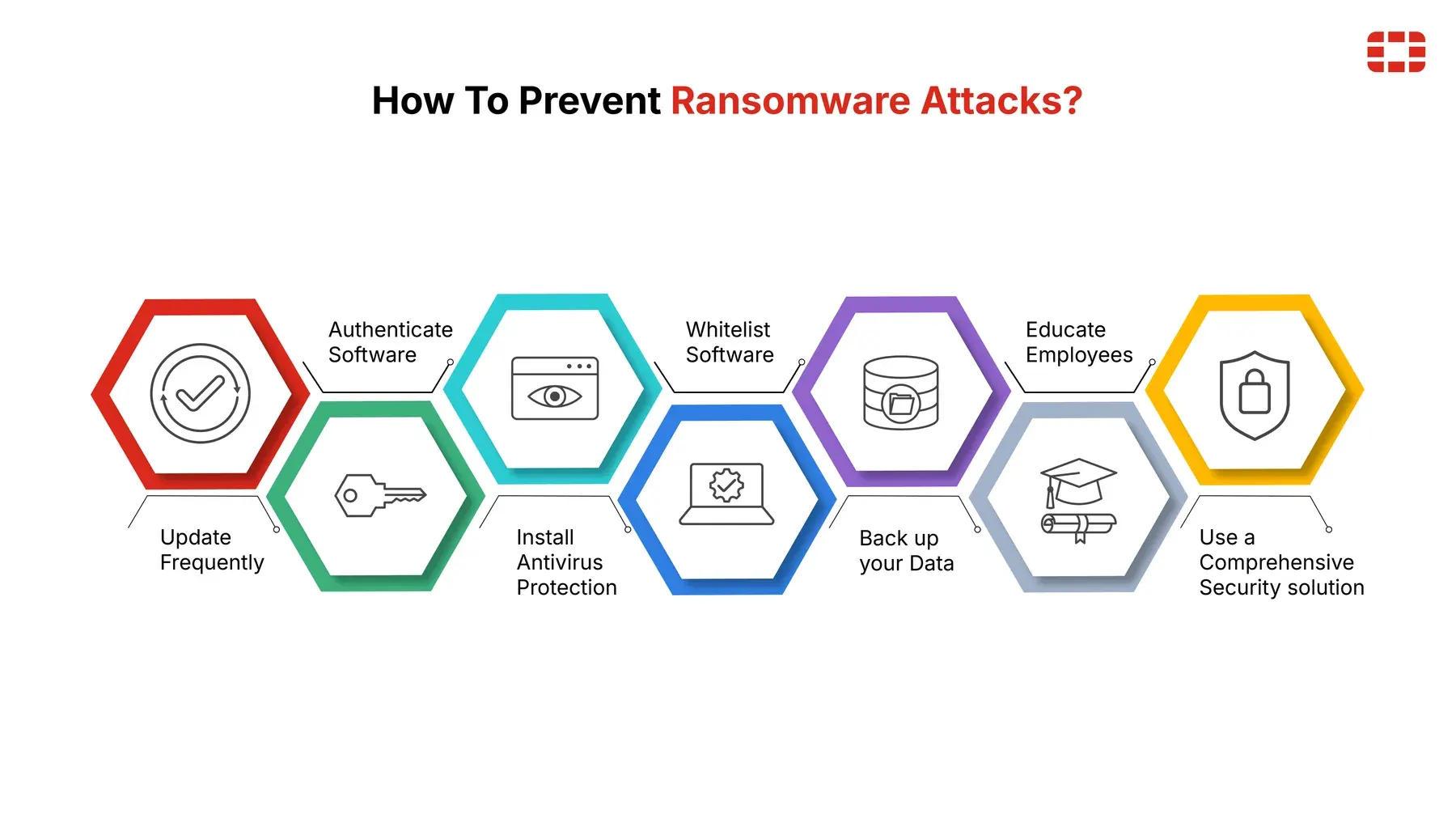
The controls that actually move the needle are unglamorous, and that is precisely why they get neglected. Patch your internet-facing systems, because attackers automate the exploitation of vulnerabilities that already have fixes. Require multi-factor authentication everywhere, because stolen passwords are the cheapest way in. Stop handing out administrator rights like business cards, because the blast radius of any compromise is bounded by the privileges of the account that gets popped. Segment the network so an intruder cannot stroll from a receptionist’s laptop to the domain controller. Deploy endpoint detection and response and actually read its alerts, because that is how you catch the attack during its dwell time instead of from the ransom note.
None of this is exciting. All of it works. Defense in depth is the deliberate acceptance that any one control will eventually fail, so you stack them until a single failure is survivable.
Backups Are Sacred, and Attackers Know It
If prevention is the lock on the door, backups are the fireproof safe. But here is the trap I see constantly: organizations that had backups and still paid the ransom, because the backups were on a network share the attacker encrypted too, or protected by the same admin password as everything else. Competent ransomware crews hunt for backups first and destroy them, precisely because they know a victim who can restore will not pay.
The fix is to make at least one copy untouchable. The classic 3-2-1 rule, three copies, two media types, one off-site, is the floor. The modern ceiling adds an immutable or offline copy and a hard commitment to test restores, summarized as 3-2-1-1-0, where the zero means zero verification errors. An immutable backup cannot be altered even by an administrator during its lock window; an offline backup cannot be reached because it is not plugged in. Either one denies the attacker the satisfaction of deleting your safety net. And a backup you have never restored is not a safety net, it is a hope. The first time you discover how long a full restore takes should not be during a live incident.
Plan for the Bad Day Before It Arrives
When ransomware hits, calm beats clever. The organizations that recover well are the ones that decided, in advance, who is in charge, who to call, how to communicate when email is compromised, and which systems come back first. They isolate infected machines without powering them off, protect their backups, preserve evidence, and bring in their incident response firm, insurer, and law enforcement early. They do not wipe systems in a panic and destroy the evidence they will need.
They have also already had the hardest conversation, the one about paying, when no one was panicking. Authorities and most practitioners advise against paying: it funds more crime, the decryptor may not work, it does not undo the data theft, and it may even be illegal if the recipient is sanctioned. The way you earn the right to say no is by investing, ahead of time, in backups and a plan that make no a realistic answer.
Resilience Is a Habit
The uncomfortable truth is that ransomware defense is never finished. Threats shift, environments change, and the plan that looked airtight last year quietly rots. The organizations I trust run a loop, prevent, detect, respond, recover, learn, and treat every tabletop exercise and real incident as fuel for the next round of improvement. They hold blameless reviews, because people who fear blame hide the very mistakes you need to see.
You will not make your organization immune. No one is immune. But you can make it resilient, and resilience is the whole game. It is the difference between an existential catastrophe and a bad week you were ready for.
Key takeaways 5
- The ransom note is the final act of a long intrusion.
- Phishing, stolen credentials and unpatched systems are the usual entry points.
- MFA, patching, least privilege and segmentation stop most attacks.
- Keep immutable or offline backups and test restores.
- Plan and rehearse your response before the bad day.
Watch & learn

Frequently asked questions
How does ransomware usually get in?
Common entry points are phishing emails, stolen or weak credentials (especially for remote access), and vulnerable internet-facing systems that weren't patched.
Should you pay a ransomware ransom?
Authorities generally advise against paying: it funds criminals, doesn't guarantee recovery and may break sanctions rules. Tested backups and a recovery plan reduce the pressure to pay.
How do I protect backups from ransomware?
Keep at least one immutable or offline copy, use separate credentials for backup systems, monitor for tampering and regularly test restoring data.
Go deeper with the free masterclass
Workshop, PDF handbook and curated resources for “Ransomware Defense & Recovery”.
Related articles
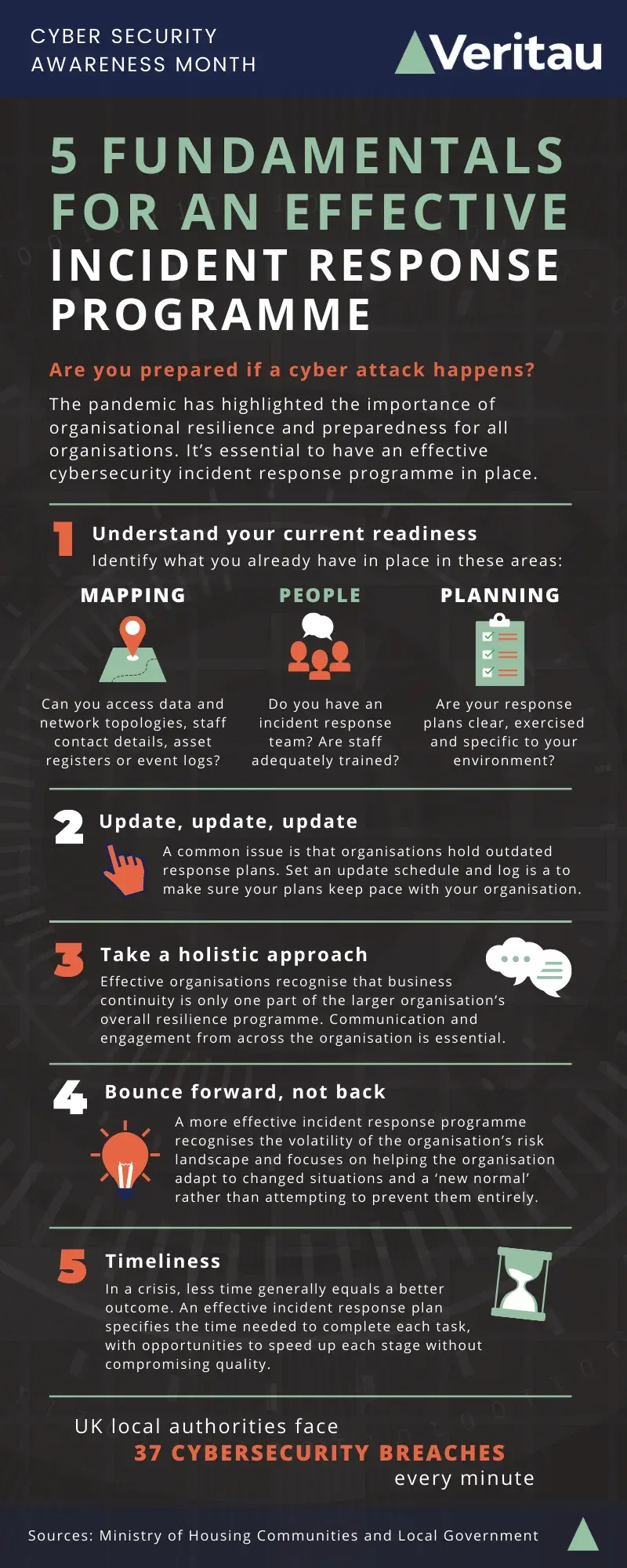
Incident Response Fundamentals
Breaches are inevitable; chaos is optional. The teams that recover fastest aren't the ones with the most tools - they're the ones who decided what to do before the alarm went off.
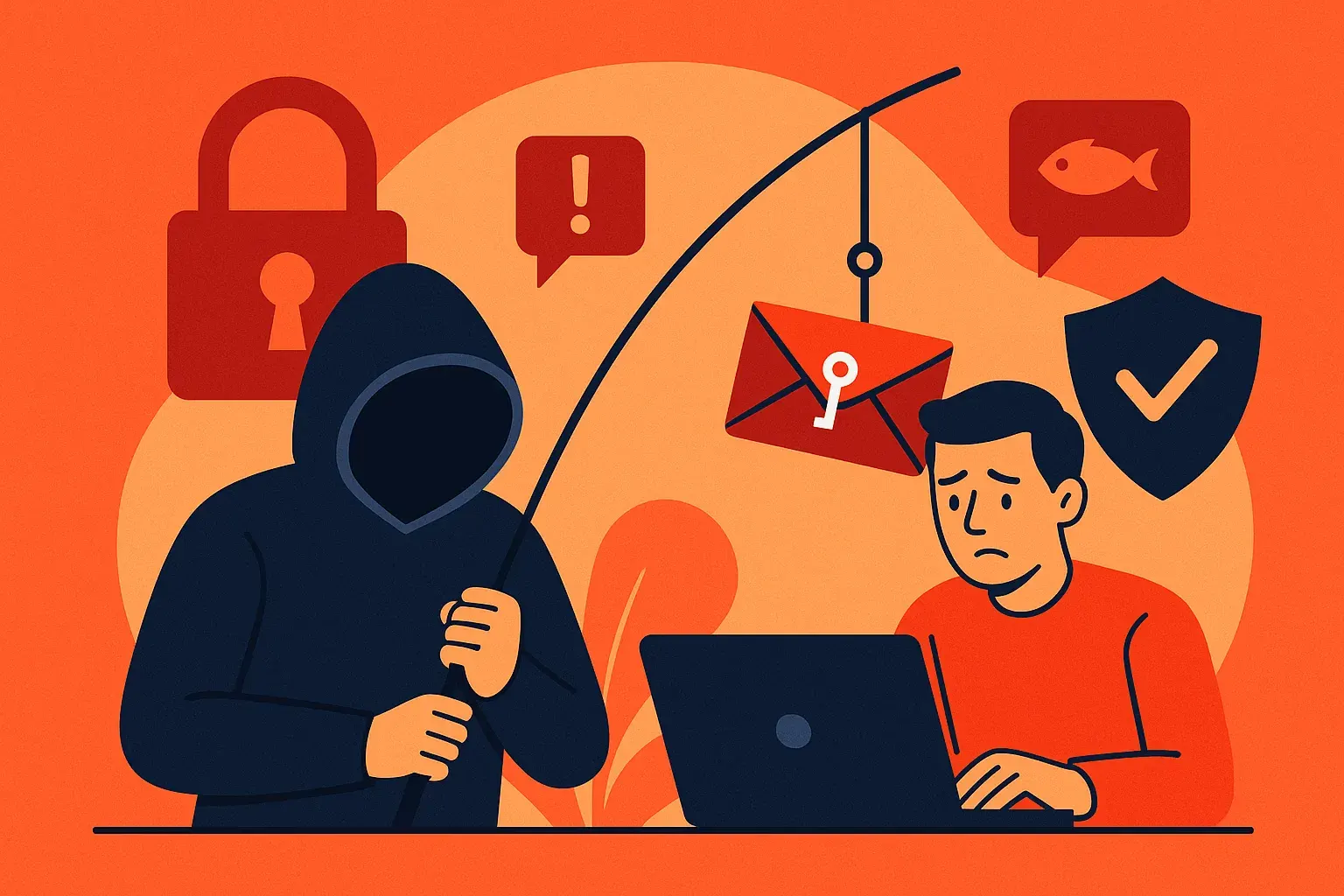
Phishing & Social Engineering Defense
The most dangerous hack of all does not target your computer. It targets you, and the defense is simpler than you think.
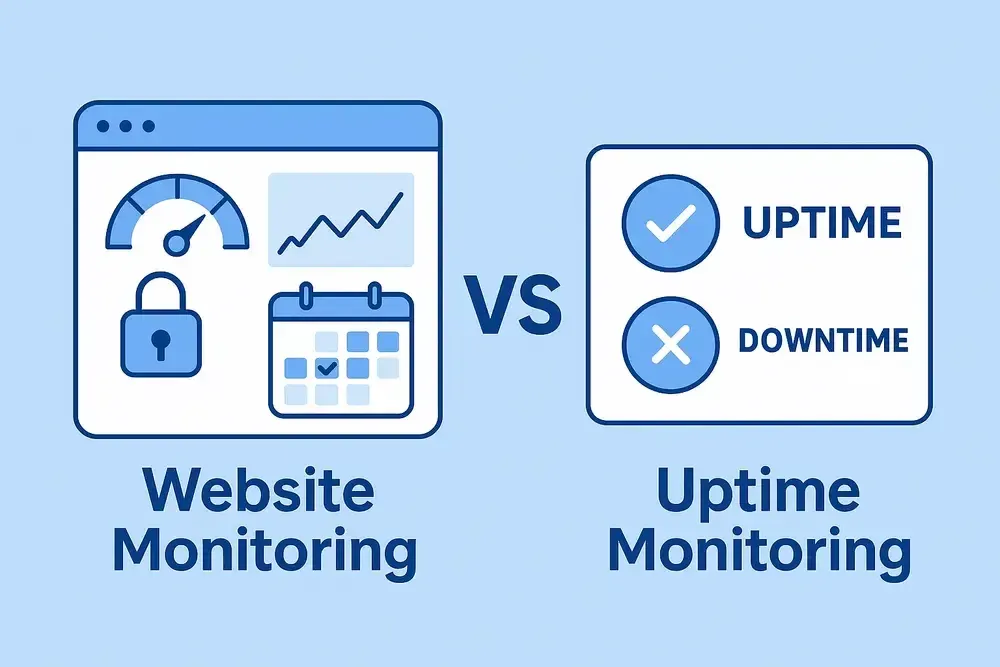
Monitoring & Uptime for Web Services
Keeping a website online is not a heroics problem; it is a feedback-loop problem. Here is how a single operator can run a service like a small SRE team, without a war room or a big budget.
Comments
No comments yet. Start the conversation.