Building Hands-On Labs & Exercises
Most technical training fails not because the content is wrong, but because learners never get their hands dirty. Here is how to design labs that turn watching into doing.

TL;DR
Watching demos produces fluency that feels like competence but isn't. Hands-on labs fix that when they start from what learners must be able to do, build a ramp of guided exercises that is gradually removed (scaffolding), and use materials and support that let learners struggle productively.
On this page
There is a quiet lie at the center of a lot of technical training, and it sounds like this: “That makes sense.” A learner watches a clean demo, nods along to well-organized slides, reads documentation that flows nicely, and walks away genuinely believing they have learned something. Then they sit down to do the actual work and freeze. The knowledge that felt so solid an hour ago has evaporated.
This is not the learner’s failure. It is a failure of design. Watching and reading produce fluency, and fluency feels exactly like competence from the inside. But recognizing a correct solution when someone shows it to you is a completely different ability from producing one yourself when nobody is narrating the steps. The first is cheap and fades fast. The second is expensive and lasts. Only the second is what your learners came for.
The fix is hands-on labs: activities where the learner does demanding work and gets immediate feedback. Not a demo with a worksheet stapled to the back, but a staged experience that leaves the learner able to do something they could not do before. Designing those well is a craft, and the rest of this piece is the core of it.
Doing is where learning actually happens
Three things make practice stick in a way that consumption never can. The first is retrieval: pulling knowledge out of your memory to solve a problem strengthens that memory far more than reading puts it in. Every exercise is a rep. The second is generation: producing an answer yourself, even a wrong one, builds stronger and more flexible memory than being handed the right one. The struggle is not a side effect; it is the mechanism. The third is immediate feedback: act, see the consequence, and you discover the precise boundary between what you know and what you only thought you knew.
A passive format gives you none of these. A demo hides the typos, the broken builds, the configuration value that has to live in exactly one file and nowhere else. But those friction points are not obstacles to learning. They are the learning. The game of lab design is to put learners in contact with the friction that teaches and remove the friction that just wastes their time.
Start from what they will be able to do
The most common mistake is to start from content: “I want to teach Docker.” Content is infinite and untestable. Start instead from capability: “the learner will be able to containerize a small web app and run it locally.” That is observable. You can check it.
Write every objective as an action the learner performs, with starting conditions, an artifact they produce, and concrete success criteria. Ban the fuzzy verbs - understand, know, be familiar with - because you cannot observe understanding, only what understanding lets someone do. Reach for verbs at the “apply” tier and above: implement, debug, configure, refactor, design. And keep it to one primary objective per lab. The moment your lab is teaching authentication and pagination and error handling and testing all at once, the learner’s working memory is full and the actual skill gets crowded out. Split it.
Then, before you write a single starter file, write down exactly how you will know the learner succeeded. Not “it works” - “the test suite passes,” “the container responds on port 8080.” That definition is your objective made concrete, and later it becomes the check you hand the learner.
Build a ramp, then take it away
You do not learn to ride a bike from a lecture on balance; someone holds the seat while you wobble, and then they let go. Good labs work the same way. The technique is scaffolding: temporary support that lets a learner do what they cannot yet do alone, removed as they grow.
Stage it in three. First, the worked example - the learner studies a complete, correct solution while you narrate the decisions, not just the syntax. This is well supported for novices; studying a worked solution beats flailing at the blank problem. Second, guided practice - a partly-built file with stubs and hints where the learner supplies the missing pieces, so their attention stays on the one new skill. Third, independent practice - a near-blank starting point and the success check, where you find out whether the skill actually transferred.
The crucial discipline is fading: deliberately removing support across those stages. Fewer comments marking where code goes, larger blanks then no blanks, hints that move from explicit to general to absent. The failure mode is keeping the training wheels on forever, so learners get good at filling in blanks and never learn to start from nothing. Note too that the worked-example advantage reverses as expertise grows - what helps a novice slows an expert. Fading respects both.
Make the materials, and the support, do the work
The instructions should read like they were written for a tired, slightly anxious person, because that is who shows up. Goal in the first sentence. Numbered steps, one action each. Show the expected output after anything that produces a result, so the learner knows whether to move on. State the versions and the exact commands; ambiguity here is the number-one source of wasted effort. Then test the instructions by handing them to someone uninvolved and watching in silence - every hesitation is a bug.
The starter file must run as given and point clearly at the work; a learner whose first action throws a stack trace is lost before they begin. Always write a complete, tested solution, even if nobody sees it: it proves the lab is possible, anchors the check, and becomes your worked example. And make the check self-service - an automated test with a name that says what is wrong - so feedback arrives without waiting for you.
Finally, plan for stuck. Productive struggle has a shelf life; roughly, five minutes of hard thinking is learning and fifteen minutes on one error is not. Give layered hints the learner reveals one at a time, from a conceptual nudge to the full walkthrough, so help never outruns need. Add troubleshooting notes for the failures you know are coming.
Then pilot it. Watch one real learner run the whole thing and fix what broke. A lab is not finished when you write it. It is finished when you have seen it work.
Key takeaways 5
- Fluency from watching feels like competence but is not.
- Design labs backward from what learners must be able to do.
- Scaffold: guide heavily at first, then gradually remove support.
- Productive struggle builds skills that last.
- Good materials, checkpoints and hints let the lab teach on its own.
Watch & learn

Frequently asked questions
Why are hands-on labs important in technical training?
Because skills are built by doing. Labs make learners apply knowledge, make mistakes and recover, which builds the ability to perform the task rather than just recognize a solution.
What is scaffolding in learning design?
Scaffolding is temporary support, such as worked examples, templates and hints, that helps learners complete tasks they could not yet do alone, and is gradually removed as they gain skill.
How do you design a good lab exercise?
Define the target skill, provide a realistic task and environment, give clear instructions and checkpoints, include hints rather than full answers and end with a challenge done independently.
Go deeper with the free masterclass
Workshop, PDF handbook and curated resources for “Building Hands-On Labs & Exercises”.
Related articles

Building an Online Course
Most online courses fail not because the teaching is bad, but because they were never designed to be finished. Here is how to build one that is.
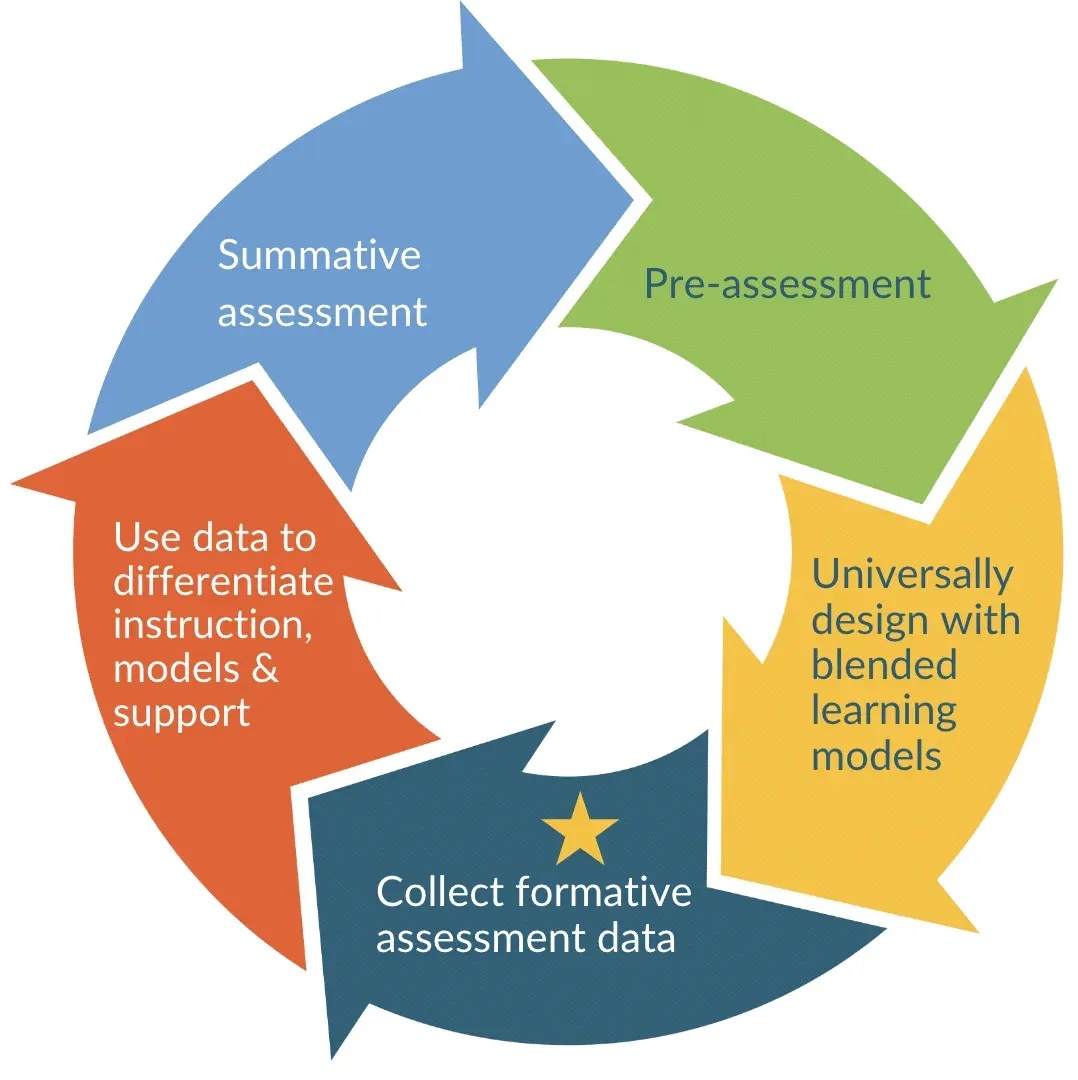
Assessment & Feedback Design
Most assessments measure the wrong thing and most feedback is never used. A designer's mindset fixes both - and it starts before you write a single question.
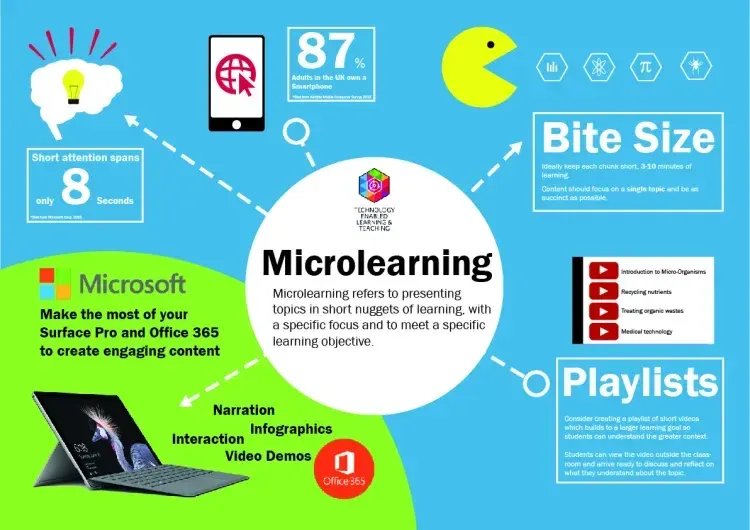
Microlearning & Bite-Sized Content
Microlearning gets dismissed as the fast food of training, but the problem was never the small portions, it was the empty calories.
Comments
No comments yet. Start the conversation.