Video & Visual SEO: Ranking on YouTube & Google Images
A huge share of search is visual -- videos, photos, diagrams, products -- yet most people optimize only their text. Here is how to make your videos and images findable on YouTube and Google Images, without any jargon you cannot use.
TL;DR
A large share of search is visual, yet most sites only optimize text. Search engines can't watch videos or see images, so they rely on titles, descriptions, transcripts, structured data and context. YouTube combines search and recommendations, your own site needs VideoObject markup and image SEO rewards good file names, alt text and compression.
On this page
When people picture search engine optimization, they picture words: keywords, blog posts, blue links. But step outside that frame and look at how people actually look for things, and a different picture appears. They search YouTube for how to fix the dishwasher. They open the Images tab to compare two sofas. They point a phone camera at a plant to learn its name. A large, growing slice of search intent is visual – and most websites optimize almost none of it. That gap is an opportunity, and closing it is more straightforward than the text-SEO arms race.
The machine cannot see your video
Start with the central, slightly humbling fact: a search engine cannot watch your video or look at your image the way you do. It infers what they are about from the text around them. A video with a vague title, no transcript, and no structured data is, to a crawler, a silent black rectangle. A photo named IMG_4821.jpg with no description is an anonymous blob of pixels. The whole craft of visual SEO is translation – turning what is obvious to a human eye into signals a machine can read.
That reframing makes the work concrete. Every technique that follows exists to feed one of a handful of surfaces – YouTube, Google video results, Google Images, Lens, Discover – the specific signal it needs to understand and rank your content.
YouTube is two engines in one
If your video lives on YouTube, you are playing on a platform that is both a search engine and a recommendation engine. It rewards two things at once: clear signals about what the video is, and behavioural proof that viewers like it.
The signals are the metadata you control. A title with the main phrase near the front, written honestly for a human deciding whether to click. A description whose first two lines carry the value before they get truncated. Chapters – timestamps starting at 0:00 – that make a long video usable and can surface as key moments in Google. Accurate captions you upload yourself rather than leaving to the automatic ones.
The behavioural proof is watch time and retention. Titles and thumbnails win the click; the first thirty seconds win the watch. Open with the payoff instead of a long throat-clearing intro, and the retention curve stays high – which is the strongest thing the algorithm rewards. A clickbait thumbnail that earns a click and then a fast exit teaches YouTube to bury you. The honest, clear thumbnail that keeps people watching is the one that wins.
On your own site, you are the platform
Host a video on your own page and nobody else fills in the form for you. The core move is VideoObject structured data: a small block of JSON-LD that states the title, description, thumbnail, upload date, and duration in a format search engines read directly. It does not make a weak video rank, but it makes a good one eligible for a video thumbnail in results – it is filling in the form correctly so your video can be considered at all.
Pair it with a visible transcript. A crawler cannot listen, so the spoken words rendered as text on the page are often the single highest-value thing you can add – and they serve real people who would rather read. Add the video to a sitemap so it is reliably found, and a silent embed becomes a page that can rank.
Images: small habits, large compounding
Image SEO is unglamorous and quietly powerful. Rename IMG_4821.jpg to leather-hiking-boots-brown.jpg before you upload. Write alt text that honestly describes the picture – first for the screen-reader users who depend on it, and as a bonus for image search that reads the same words. Add a caption where it helps. Then compress: a phone photo of several megabytes becomes a couple of hundred kilobytes in a modern format like WebP or AVIF with no visible loss, and your page stops bleeding visitors to slow load times. Serve smaller versions to phones with srcset. None of these is hard; all of them compound across every image you publish.
These same habits feed the newer visual surfaces. A clean, well-lit, single-subject photo is what Google Lens can recognize when someone points a camera at the real-world object. A large, high-quality image is what gives a page a chance in the Discover feed. Image quality is an SEO investment, not decoration.
Measure, or you are guessing
The discipline that ties it together is measurement. YouTube Studio shows views, click-through, and the retention graph that tells you exactly where viewers leave. Google Search Console, filtered to the Image and Video search types, shows the real queries your visual content earns and how often people click. High impressions but low clicks on a video means the thumbnail or title needs work. Images that never appear at all means the filename, the alt text, or the indexing is broken.
Visual SEO is not a one-time task; it is a loop. Publish with good metadata, measure on the right surface, find the weakest link, fix one thing, measure again. The platforms and tools will keep changing. The loop will not – and the simple act of translating your videos and images into signals a machine can read will keep paying off long after the latest tactic has gone stale. Build the loop once, and every video and image you publish becomes a little easier to find than the last.
Key takeaways 5
- Search engines rely on text signals to understand videos and images.
- YouTube ranks through both search and recommendations.
- Titles, descriptions, chapters and transcripts help videos get found.
- Use VideoObject structured data and sitemaps on your own site.
- Descriptive file names, alt text and fast images help image SEO.
Watch & learn
Frequently asked questions
How do I rank videos on YouTube?
Target what people search for, write clear titles and descriptions, add chapters and captions, design compelling thumbnails and keep viewers watching, since engagement drives recommendations.
How do I optimize images for Google Images?
Use descriptive file names and alt text, place images near relevant text, compress them, use modern formats like WebP or AVIF and include them in sitemaps.
What is VideoObject schema?
VideoObject is structured data that describes a video on your page, its title, description, thumbnail, duration and upload date, so search engines can show it in video results.
Go deeper with the free masterclass
Workshop, PDF handbook and curated resources for “Video & Visual SEO: Ranking on YouTube & Google Images”.
Related articles
Ecommerce SEO: Ranking Products in Shopping Search
Ranking products is not about gaming Google -- it is about giving search engines correct, consistent data and matching each page to what a shopper actually wants. Here is the chain that decides whether your products show up.
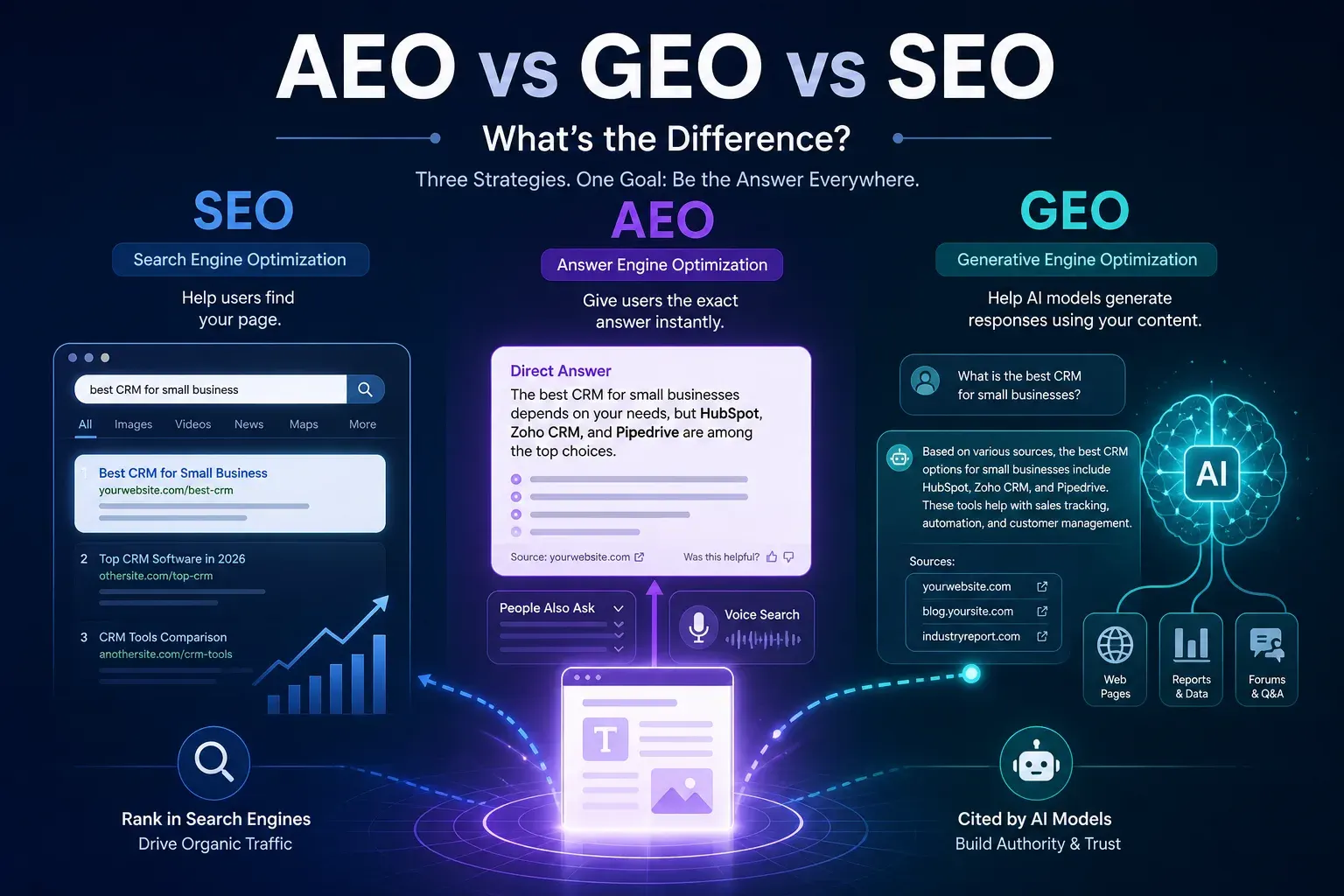
AI SEO: Getting Cited by ChatGPT, Gemini & Perplexity (AEO/GEO/LLMO)
Search is quietly becoming answers, and a fistful of new acronyms -- AEO, GEO, LLMO -- has arrived to explain it. Strip away the jargon and the job is simple: be the source the AI quotes. Here is how that actually works.
Technical SEO: Making Your Site Crawlable & Indexable
Great content can be invisible to search engines if the plumbing is broken. Technical SEO is that plumbing -- here is how crawling, indexing, speed, and structured data decide whether your pages exist at all.
Comments
No comments yet. Start the conversation.