Programming Fundamentals for Beginners
You do not need a computer science degree or a maths brain to start coding. You need five ideas, a little patience, and the willingness to run your program and read what breaks.
TL;DR
You don't need a computer science degree or a math brain to start coding. Computers are fast and literal, and five ideas carry almost everything: variables, conditions, loops, functions and data structures. Error messages are feedback, not failure, and the real secret is writing lots of small programs.
On this page
There is a peculiar myth around programming: that it belongs to a special kind of mind, the sort that solves puzzles for fun and dreams in algebra. The myth is convenient for people who already code, because it makes them feel rare. But it is mostly false, and it keeps thousands of capable people from ever opening an editor. The truth is plainer and far more encouraging. Programming is a craft, and like any craft it is learned by doing the basic moves over and over until they feel natural.
So let us strip it down to what actually matters at the start.
A computer is fast, literal, and not clever
The first mental shift is to stop imagining the computer as intelligent. It is not. It is a remarkably fast machine that does exactly what you tell it, in the exact order you tell it, and nothing else. There is no common sense waiting to fill in the gaps. If you tell it to do something slightly different from what you meant, it will cheerfully do the wrong thing at enormous speed.
This sounds like a limitation. It is actually a relief. It means there is no mystery to penetrate. When your program misbehaves, the cause is not some hidden intelligence working against you; it is that your instructions said something other than what you intended. The fundamental skill of programming is reading your own code slowly, as if you were the machine, and noticing the gap between what you wrote and what you meant.
Five ideas hold up almost everything
People assume there is an endless amount to learn before you can build anything. In practice, a surprisingly small set of ideas underlies most programs.
You store data in variables, named boxes that hold a value. Those values have types: text, whole numbers, decimals, and true-or-false. Your program makes decisions with conditionals, choosing one path or another depending on whether something is true. It repeats work with loops, doing the same thing many times without you writing it out. You bundle reusable steps into functions, named blocks you can call whenever you need them. And you organize many values at once with data structures, chiefly lists that keep things in order and dictionaries that label things by name.
That is the core. In Python, asking the user for a number and reacting to it looks like this:
guess = int(input("Pick a number: "))
if guess == 7:
    print("You found it!")
else:
    print("Not quite.")
Five lines, and already three of the five ideas are present: a variable, a type conversion, and a decision. Add a loop and a function and you can build a real, if small, program. The number-guessing game that ends this masterclass uses nothing more than these pieces, and yet it feels like a genuine piece of software when you play it.
Errors are not failure; they are feedback
Beginners tend to treat error messages as verdicts: proof that they are not cut out for this. Experienced programmers treat them as directions. When Python stops and prints an error, the last line names the problem and the lines above show where it happened. Most beginner errors are mundane: a misspelled variable name, a forgotten colon, an attempt to add text to a number, inconsistent indentation. None of them mean you have failed. They mean the computer found the exact spot where your instructions confused it and is pointing at it for you.
Learning to read that traceback calmly, instead of flinching from it, is one of the biggest accelerators in the whole journey. The programmers who improve fastest are not the ones who avoid errors; they are the ones who produce errors quickly, read them, and fix them. Speed of feedback beats caution.
The only real secret is volume
Here is the part no shortcut can replace. Fluency comes from writing code, not from reading about it. You can watch a hundred hours of tutorials and still freeze at a blank screen, because watching builds recognition, not recall. The cure is to build tiny things constantly. A tip calculator. A word counter. A program that prints a calendar. A to-do list you can add to and check off. Each small project forces you to combine the five ideas under slightly new conditions, and that combining is exactly where understanding forms.
Keep the projects small enough to finish in a sitting. Finishing matters more than ambition at this stage, because each completed program quietly proves to you that you can do this. Run your code after every few lines so that when something breaks, you only have a handful of new lines to suspect.
None of this requires talent in the mystical sense. It requires showing up, typing, running, reading the error, and trying again. Do that a little each day and within weeks you will write programs that would have looked like wizardry at the start. The barrier was never your mind. It was only the myth.
Key takeaways 5
- Programming is a craft learned by practice, not a special talent.
- Computers do exactly what you say, literally.
- Five core ideas: variables, conditions, loops, functions and data structures.
- Errors are feedback that tell you what to fix.
- Volume of practice matters more than talent.
Watch & learn

Frequently asked questions
What are the basic concepts of programming?
Variables store data, conditions make decisions, loops repeat actions, functions package reusable logic and data structures such as lists and dictionaries organize information.
What is the best first programming language?
Python is a popular first language because its syntax is readable and it is useful for automation, data and web development, but the fundamentals transfer to any language.
How long does it take to learn programming?
Basic concepts can be learned in weeks with regular practice; becoming comfortable building real projects usually takes several months of steady work.
Go deeper with the free masterclass
Workshop, PDF handbook and curated resources for “Programming Fundamentals for Beginners”.
Related articles
Building CLI Tools
A command-line tool is a product with users. Treat it like one and it will outlive everything you build around it.
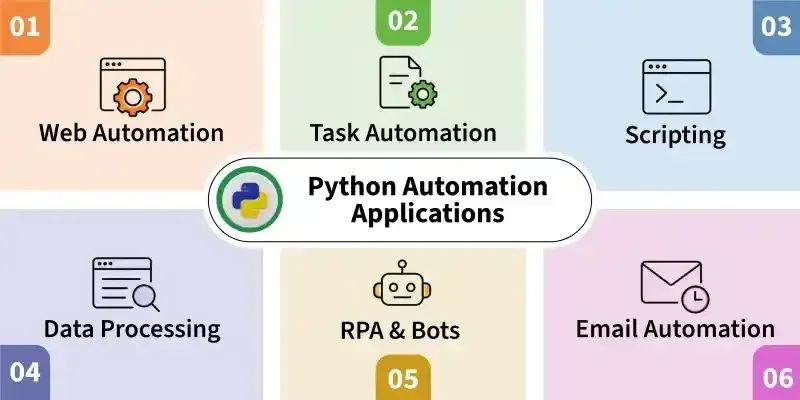
Python for Automation
You do not need to be a programmer to make your computer do your busywork. You need one small script, and the willingness to write the next one.
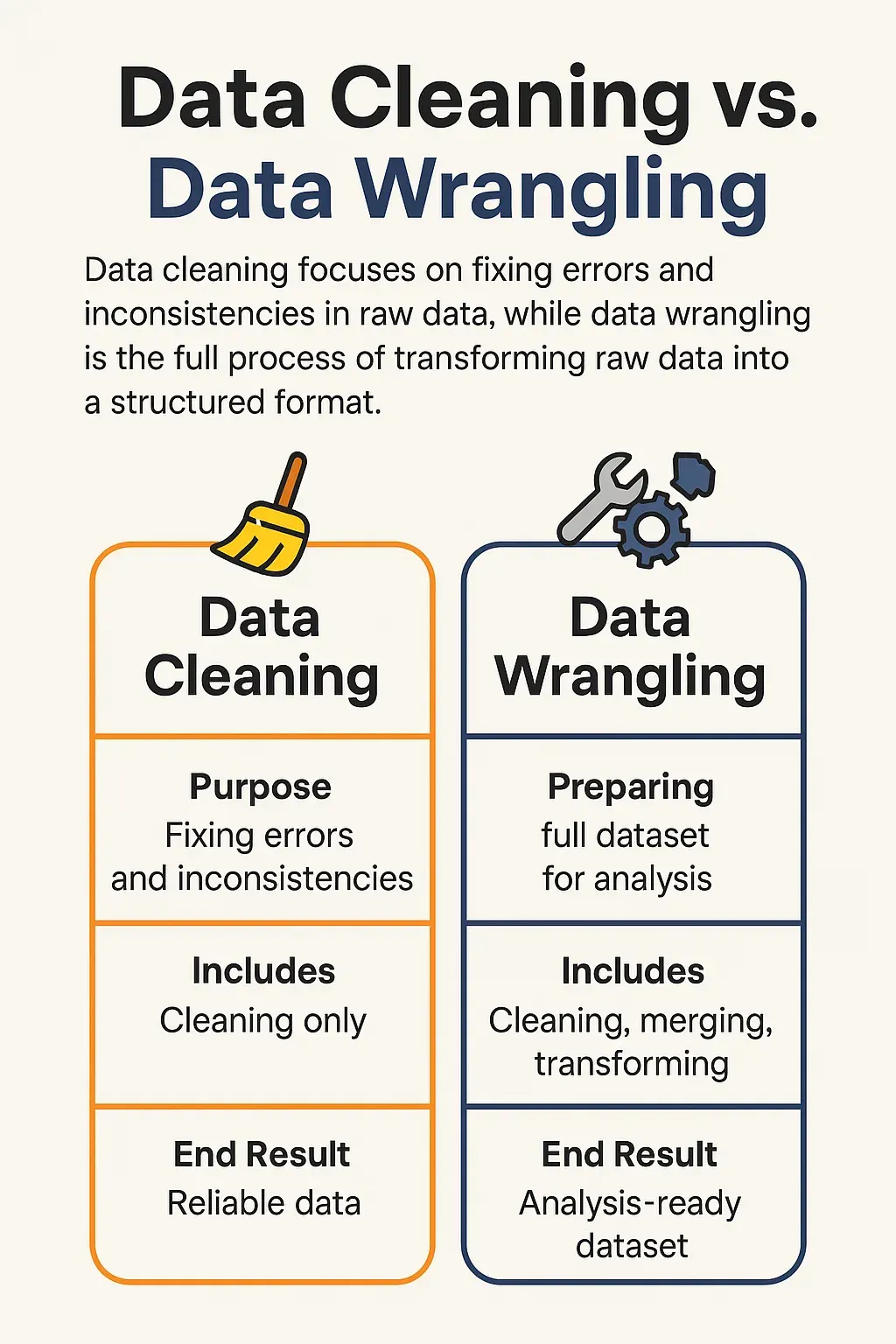
Data Cleaning & Wrangling with pandas
Analysts love to talk about models and dashboards, but the real job is mostly cleaning. Here is why that unglamorous work deserves more respect - and a sharper method.
Comments
No comments yet. Start the conversation.