Infrastructure as Code with Terraform
Clicking through a cloud console feels productive until you have to do it again, exactly, under pressure. Here is why teams describe their infrastructure as code, and why Terraform became the way most of them do it.
TL;DR
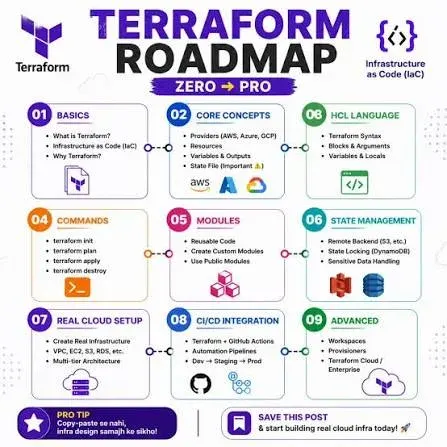
Infrastructure as Code defines servers, networks and databases in version-controlled text files instead of console clicks, so environments can be rebuilt exactly. Terraform made it mainstream: you declare the desired state, it plans and applies the changes, and its state file, the part people underestimate, tracks what exists.
On this page
There is a particular kind of dread that sets in when a critical environment goes down and the only person who knows how it was built is on vacation. Someone assembled it months ago, clicking through a console, naming things by hand, flipping settings until it worked. None of that is written down. Rebuilding it means archaeology. Infrastructure as Code exists to make that scenario impossible, and Terraform is the tool that brought the idea to the mainstream.
From clicks to code
Infrastructure as Code means defining your servers, networks, databases, and everything around them in text files that live in version control, exactly where your application code lives. Instead of a console session that vanishes when you close the tab, you get a file you can review, diff, comment on, and replay. The environment stops being a fragile artifact someone remembers building and becomes a repeatable output of code anyone on the team can run.
The benefits compound. Because it is text in Git, every change goes through a pull request, so two engineers see the diff before anything happens to production. Because it is repeatable, staging can be a genuine copy of production rather than a hopeful approximation. Because it is code, it can be tested, linted, and run in a pipeline. And because it can be recreated on demand, a deleted environment is an inconvenience rather than a catastrophe.
Declarative is the whole trick
The single idea that makes Terraform click is that it is declarative. You do not write the steps to build your infrastructure; you describe what you want it to look like, and Terraform works out how to get there. A shell script that calls a cloud API is imperative: it runs the same commands every time, oblivious to whether the thing already exists. Run it twice and you have two servers and a problem.
Terraform instead reads your description of the desired state, compares it against what actually exists, and makes only the changes needed to close the gap. Run it when everything already matches and it does nothing at all. This property, idempotency, is what lets you run Terraform on a schedule, in a pipeline, or after a colleague’s emergency change, without fear. The question stops being “has this run before?” and becomes the much simpler “does the world match my code?”
That framing also gives you a free superpower: drift detection. When someone makes a manual change at 2 a.m., the world no longer matches your code, and Terraform will tell you so, then offer to put things back the way the code says they should be. Your code stays the single source of truth, and reality is continuously pulled toward it.
The pieces that matter
Terraform has a small vocabulary. A provider is a plugin that knows how to talk to a particular platform, AWS, Azure, Google Cloud, and hundreds of others, including things you might not think of as cloud, like DNS, GitHub, or a database. This is why Terraform is so widely adopted: one tool and one language manage almost everything, rather than a different dialect per vendor. A resource is a single managed thing, a server, a bucket, a DNS record. You write a block describing it, and Terraform owns its lifecycle from then on.
The workflow is three commands, and the middle one is the safety belt. You init a project to download its providers. You plan to see a precise preview of what would change, additions, updates, and the ones to watch, deletions and replacements, all printed before a single API call is made. Then you apply, and Terraform makes reality match. Reading that plan carefully is the most important habit in the whole discipline; a replacement of a database is a very different thing from adding a tag, and the plan tells you which you are about to do.
State, the part people underestimate
Underneath all of this sits state, the file in which Terraform records what it has created so it can map your code to real objects. Newcomers tend to ignore it until it bites them. Two facts keep you safe. First, state can contain secrets in plain text, so it must be stored somewhere encrypted and access-controlled, not on a laptop. Second, the moment more than one person manages the same infrastructure, state must be shared through a remote backend with locking, so two people cannot apply at once and corrupt it. Get state right and Terraform is calm and predictable; get it wrong and you will have a bad afternoon.
Growing up gracefully
A single file is fine to learn with. Real systems lean on modules, reusable directories of Terraform with a clean interface of inputs and outputs, so a pattern is written once and instantiated many times. Environments share the same code and differ only by inputs, which is how dev can finally resemble prod. Pipelines run fmt, validate, and plan on every pull request and apply on merge, with locking preventing collisions and a human approving anything that touches production. And when you inherit infrastructure that predates your code, import quietly brings it under management without tearing it down.
The honest way in is not to read everything first. Install the CLI, write a ten-line configuration against the random or local provider so you need no cloud account, and run init, plan, apply, then destroy. Feel the loop. Add a variable, expose an output, fold the whole thing into a module. Each step takes minutes and teaches more than a chapter. Once that rhythm is natural, the rest, real providers, remote state, large estates, is the same handful of ideas at a bigger scale. What you get in return is infrastructure that is finally written down, reviewable, and reproducible, and the end of that lonely archaeology when something breaks.
Key takeaways 5
- Clicked-together infrastructure can't be reproduced under pressure.
- Infrastructure as Code puts infrastructure in version control with your app.
- Terraform is declarative: describe the desired end state, not the steps.
- Providers, resources, modules and plan/apply are the core pieces.
- Protect and share the state file with remote state and locking.
Watch & learn
Frequently asked questions
What is Infrastructure as Code?
Infrastructure as Code (IaC) is the practice of defining and managing infrastructure, such as servers, networks and databases, through machine-readable configuration files stored in version control, instead of manual setup.
What is Terraform state?
The state file records which real resources Terraform manages and their current attributes. Terraform compares it with your configuration to plan changes, so it must be stored safely, usually remotely with locking.
What does terraform plan do?
terraform plan shows what changes Terraform would make to reach the desired state, such as creating, modifying or destroying resources, without applying them.
Go deeper with the free masterclass
Workshop, PDF handbook and curated resources for “Infrastructure as Code with Terraform”.
Related articles
CI/CD Pipelines in the Cloud
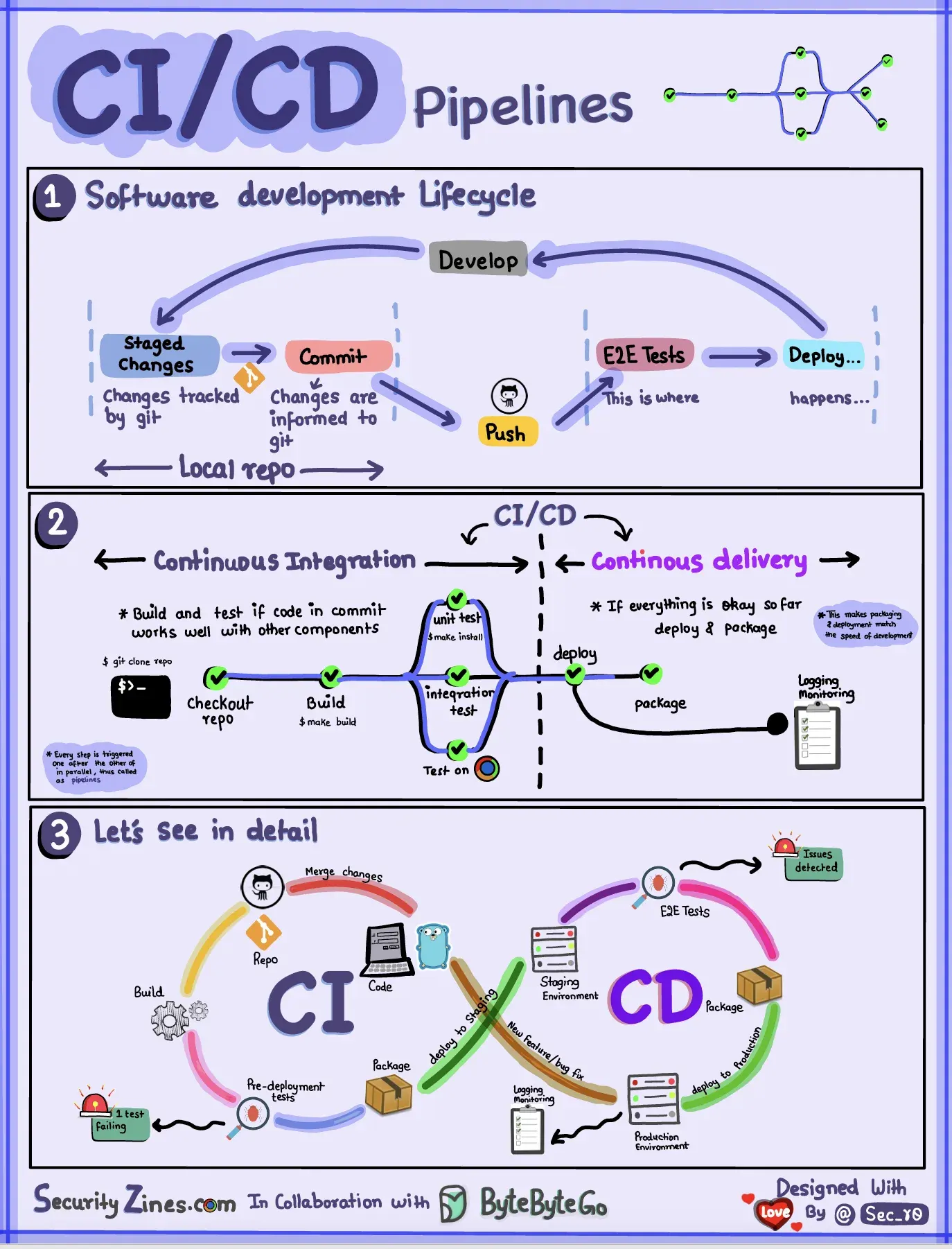
A deploy that takes a weekend and a wiki page nobody trusts is not a release process — it is a liability. Here is how cloud pipelines turned shipping software from an event into a non-event.
Kubernetes Fundamentals
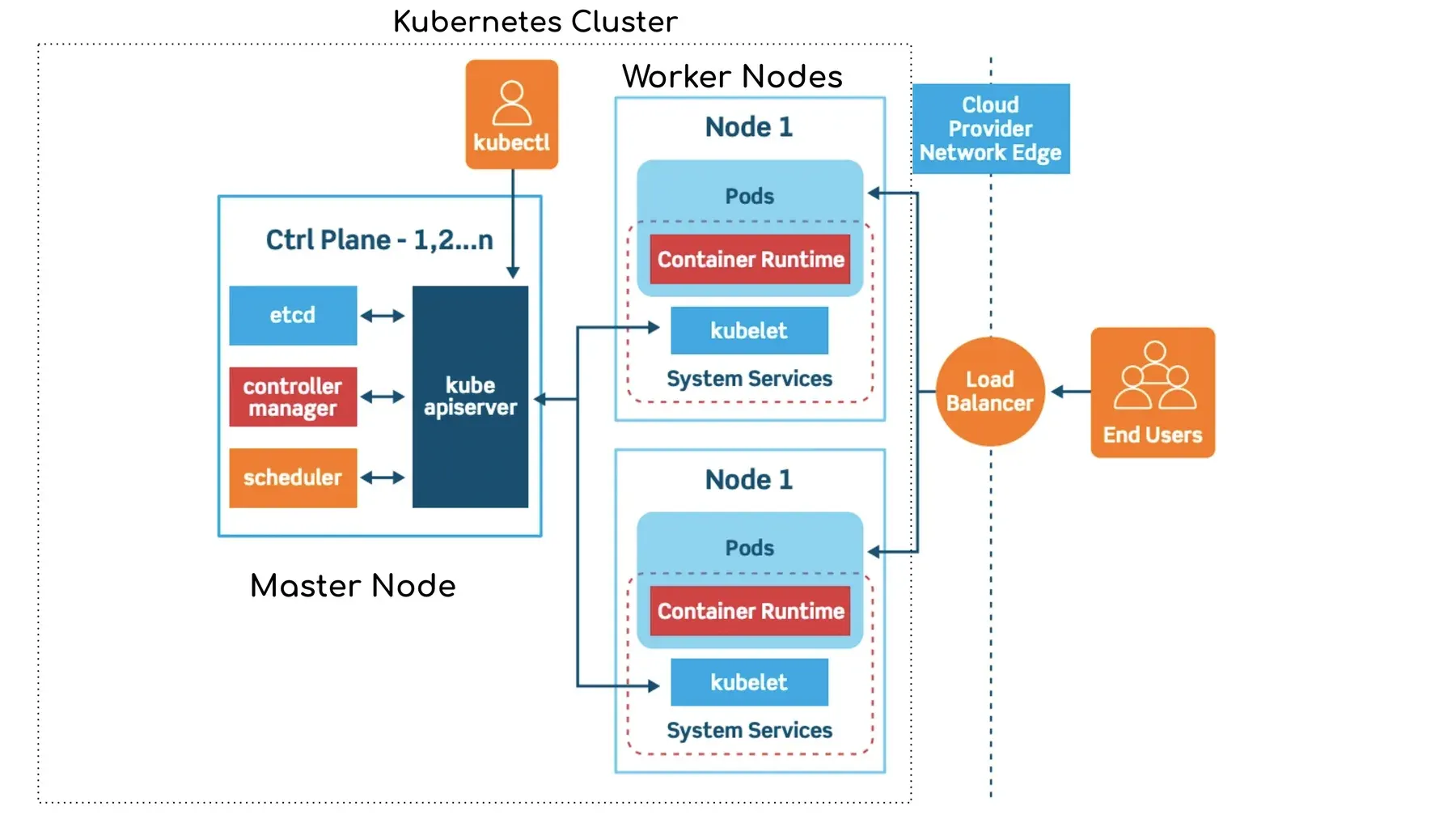
Kubernetes is not magic and it is not optional folklore. It is one good idea, applied relentlessly, and once you see it the whole platform falls into place.
Containers with Docker
Containers promise to end "it works on my machine" for good. Here is what Docker actually does, why it caught on, and how to think about it before you type your first command.
Comments
No comments yet. Start the conversation.