Containers with Docker
Containers promise to end "it works on my machine" for good. Here is what Docker actually does, why it caught on, and how to think about it before you type your first command.
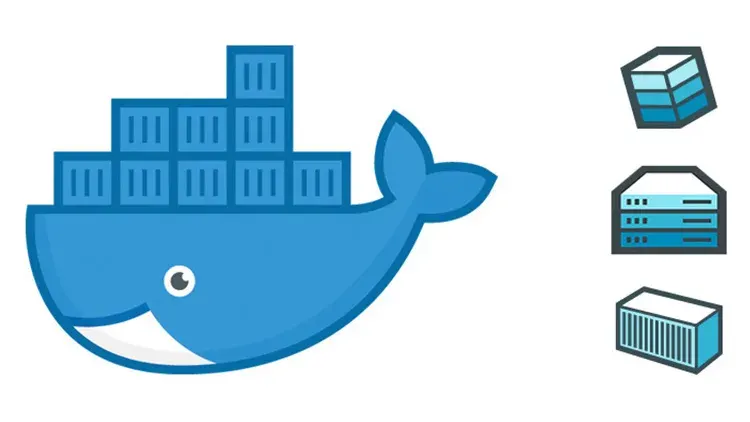
TL;DR
A container bundles an application with everything it needs to run into one portable package, so it behaves the same on any machine with a container engine. Docker made containers mainstream with simple tooling and layered images, and orchestration tools take it from one container to many.
On this page
Every developer has lived the moment. The code runs perfectly on your laptop, you hand it off, and it falls over somewhere else. A library is a different version. An environment variable is missing. The server runs an operating system three releases behind. The diagnosis takes longer than writing the feature did. Containers exist to make that moment a memory, and Docker is the tool that made containers mainstream.
The idea behind containers
A container bundles your application together with everything it needs to run, the runtime, libraries, system tools, and configuration, into one portable package. Move that package to any machine with a container engine and it behaves the same way it did on your laptop. The environment travels with the application instead of being something you hope to recreate at the destination.
If that sounds like a virtual machine, the difference is in what gets packaged. A virtual machine includes an entire guest operating system, complete with its own kernel, sitting on top of a hypervisor that emulates hardware. That is robust but heavy: a VM is often measured in gigabytes and takes time to boot, because booting a VM means booting an operating system.
A container carries no operating system of its own. Instead, every container on a machine shares the host’s kernel and is kept separate using features built into that kernel. Namespaces give each container its own private view of processes, networking, and the filesystem, so it cannot see its neighbors. Control groups cap how much CPU and memory it may use. The result is isolation without duplication. Containers are typically measured in megabytes, start in a fraction of a second, and you can run dozens where you might have squeezed in a handful of VMs.
Why Docker, specifically
The underlying kernel technology predates Docker by years. What Docker did, starting in 2013, was wrap that technology in a workflow that ordinary developers could actually use. It gave us a simple command line, a clear way to describe an image as a file, and a public registry where anyone could share and pull ready-made images. That combination is why “containers” and “Docker” became almost synonymous in everyday conversation, even though they are not the same thing.
Three concepts carry most of the weight, and keeping them straight is the difference between confidence and confusion. An image is a read-only template, the blueprint for your application. A container is a running instance of an image; you can start many containers from one image, the way you create many objects from one class. A registry, such as Docker Hub, is where images are stored and shared. Pull an image, run a container, and you are off.
Images are built in layers
The cleverest part of Docker is how images are assembled. You describe an image in a plain text file called a Dockerfile, a short list of instructions read top to bottom: start from this base, set this working directory, copy these files, run this install command. Each instruction produces a layer, a read-only slice of the filesystem stacked on the ones before it.
Layers matter for two practical reasons. The first is caching. If a layer’s inputs have not changed since the last build, Docker reuses it rather than rebuilding it, so repeated builds are fast. This is why experienced authors copy their dependency list and install dependencies before copying application code. Dependencies change rarely; code changes constantly. Put the stable steps first and the slow install layer stays cached through every code edit. The second reason is sharing. If ten images start from the same base, that base is stored once on disk and downloaded once over the network. Layers are why a system with many images is far smaller than the sum of its parts.
When you run a container, Docker adds one thin writable layer on top of the read-only stack. Everything the container changes lives there, and it vanishes when the container is removed. That is by design: containers are meant to be disposable. Anything you need to keep belongs in a volume, storage that lives outside the container and survives it.
From one container to many
Few real applications are a single container. A web service usually needs a database, often a cache, perhaps a background worker. You could wire these together by hand with long commands, custom networks, and volume flags, but it is tedious and easy to get wrong. Docker Compose replaces all of that with a single declarative file that lists your services, their images or build instructions, their ports, their environment, and their storage. One command brings the whole stack up; another tears it down. The file lives in version control next to your code, so a new teammate runs one command and has the exact same environment everyone else does. The service names even act as hostnames, so your application talks to its database simply by calling it “db.”
Where to start
The honest path into Docker is not to read everything first. Install it, pull a public image like nginx, and run it with a published port. Then write a five-line Dockerfile for something tiny of your own, build it, and run it. Add a volume so data survives a restart. Finally, write a small Compose file that pairs your app with a database. Each step takes minutes and teaches more than a chapter of theory. The commands are few and they repeat: pull or build, run, inspect the logs, reach inside with exec, then stop and remove. Once that loop feels natural, the rest of the ecosystem, registries, orchestration, production deployment, is just more of the same ideas at a larger scale. The payoff is that the environment stops being a variable, and the most frustrating bug report in software finally goes quiet.
Key takeaways 5
- Containers end "it works on my machine" by packaging the whole environment.
- Containers share the host kernel, so they are lighter than virtual machines.
- Docker made containers easy with simple commands and a shared image registry.
- Images are built in cached layers, which keeps builds fast and images reusable.
- Compose and Kubernetes take you from one container to many.
Watch & learn

Frequently asked questions
What is the difference between a container and a virtual machine?
A virtual machine runs a full guest operating system on virtual hardware. A container shares the host's kernel and isolates only the application and its dependencies, so it starts faster and uses fewer resources.
What is a Docker image?
A Docker image is a read-only template, built in layers from a Dockerfile, that contains an application and everything it needs to run. Containers are running instances of images.
What is a Dockerfile?
A Dockerfile is a text file of instructions, such as the base image, files to copy and commands to run, that Docker follows to build an image.
Go deeper with the free masterclass
Workshop, PDF handbook and curated resources for “Containers with Docker”.
Related articles
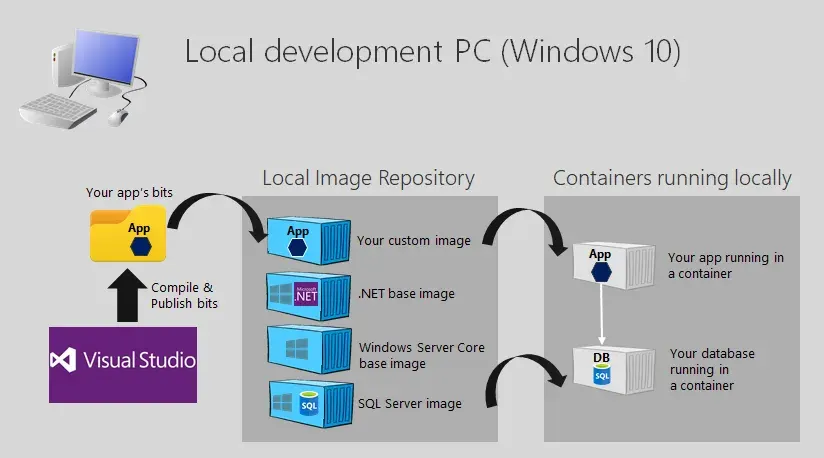
Containerized Web Apps with Docker
Containers did not just make web apps easier to build. They quietly rewrote what it means to host one.
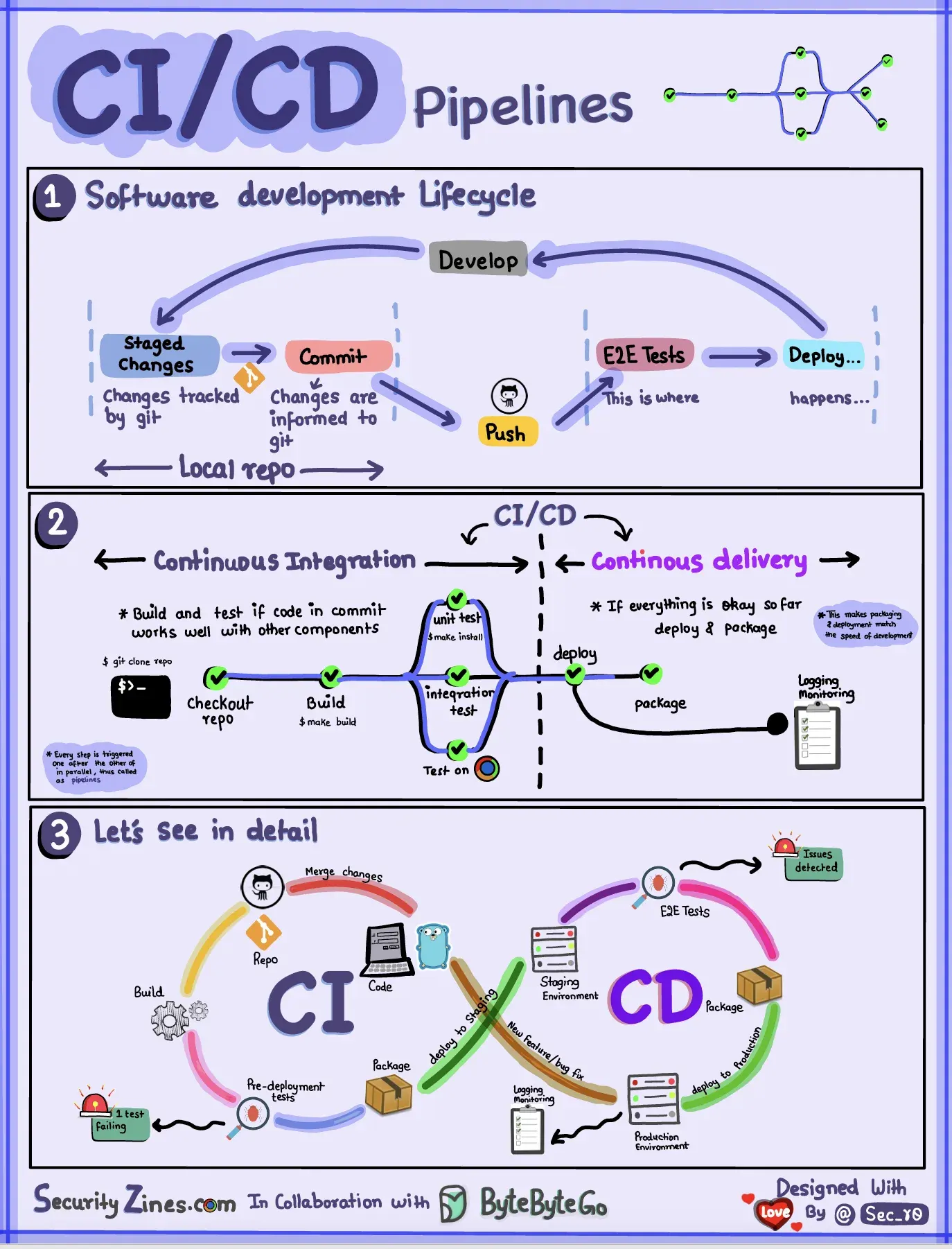
CI/CD Pipelines in the Cloud
A deploy that takes a weekend and a wiki page nobody trusts is not a release process — it is a liability. Here is how cloud pipelines turned shipping software from an event into a non-event.
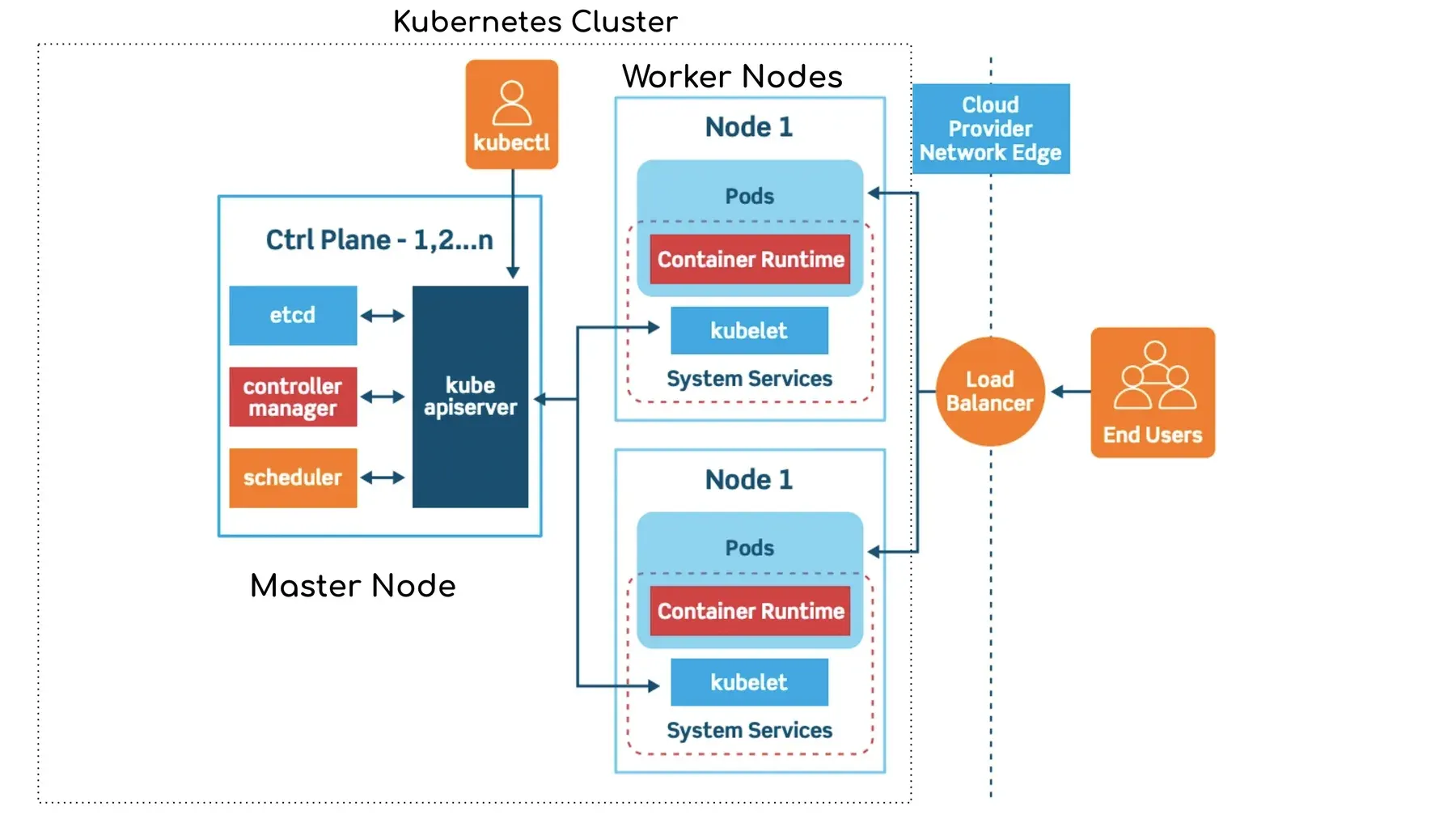
Kubernetes Fundamentals
Kubernetes is not magic and it is not optional folklore. It is one good idea, applied relentlessly, and once you see it the whole platform falls into place.
Comments
No comments yet. Start the conversation.